P-touch Design&Print 2
2.3.0(543) by Brother Industries, Ltd. (0 Reviews) October 29, 2024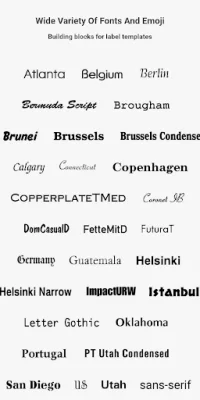
Latest Version
2.3.0(543)
October 29, 2024
Brother Industries, Ltd.
Tools
Android
0
Free
com.brother.ptouch.designandprint2
Report a Problem
More About P-touch Design&Print 2
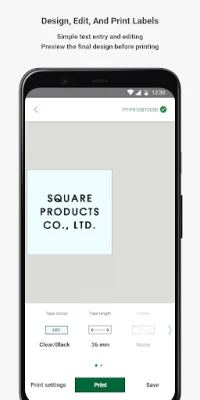
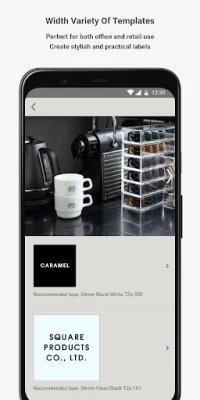
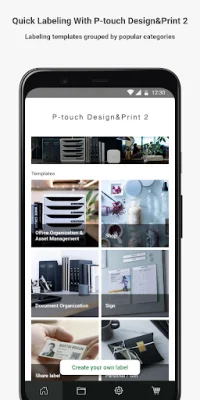
P-touch Design&Print2 is a user-friendly and convenient application that allows you to create and print labels directly from your Android™ mobile device. With the help of this free app, you can easily design labels, decorative tapes, and satin ribbons for various purposes such as labeling, crafting, storage, retail, business, and gift wrapping. The app offers a wide range of templates, fonts, symbols, emoji, patterns, and frames to choose from, making it easy to create stylish and practical labels.
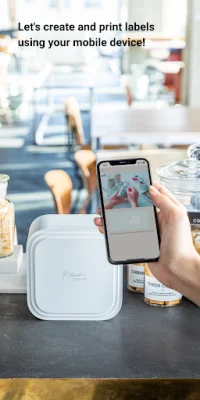
One of the key features of P-touch Design&Print2 is the ability to print labels via Bluetooth® using your Brother label printer. This means you can print your designs directly from your mobile device without the need for a computer. The app also allows you to insert images and logos into your label designs and preview them before printing. Additionally, you can use the "Share label" feature to insert QR codes and share links to websites or videos (available for P-touch CUBE XP and CUBE Plus only).
The latest version of Brother P-touch Design&Print2 comes with some exciting new features. The app now offers text recognition, which allows you to scan and insert text without having to enter it manually (available for P-touch CUBE XP and CUBE Plus only). It also offers cloud storage, where you can upload label templates, reuse them, and share them with others. Another useful feature is the translation function, which automatically translates scanned or typed text and adds it to your label (available for P-touch CUBE XP and CUBE Plus only).
P-touch Design&Print2 is compatible with various Brother label printers, including P-touch CUBE XP, P-touch CUBE Plus, P-touch CUBE, and PT-N25BT. This app is designed to be user-friendly and original, making it easy for anyone to create professional-looking labels on their mobile device. So whether you need labels for personal or business use, P-touch Design&Print2 has got you covered.
Rate the App









Popular Apps









