
PC Master: BT Mouse & Keyboard
1.0.12 by Tech Gadgets (0 Reviews) March 27, 2026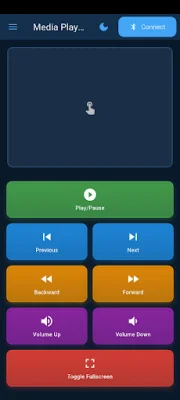
Latest Version
1.0.12
March 27, 2026
Tech Gadgets
Tools
Android
0
Free
com.techgadgets.bt_pc_master
Report a Problem
More About PC Master: BT Mouse & Keyboard
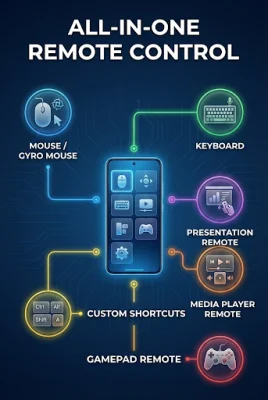
Bluetooth PC Master is a convenient and versatile mobile application that allows you to use your Android device as a wireless controller for your PC. With this app, you can easily control your computer over Bluetooth using various input methods.
One of the main features of Bluetooth PC Master is the touchpad function, which lets you control your mouse movements and clicks through intuitive touch gestures. This makes it easy to navigate your computer without the need for a physical mouse.
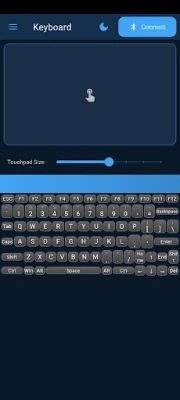
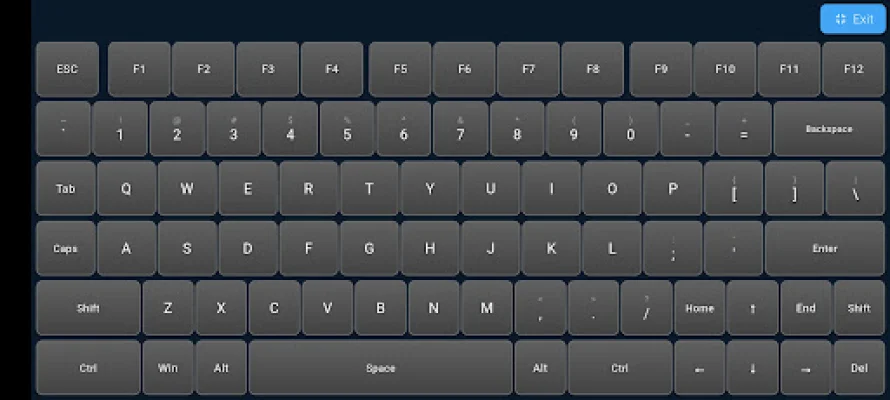
The app also offers a full keyboard input option, complete with modifier keys and special characters. This allows you to type on your PC using your Android device, making it perfect for situations where you don't have access to a physical keyboard.
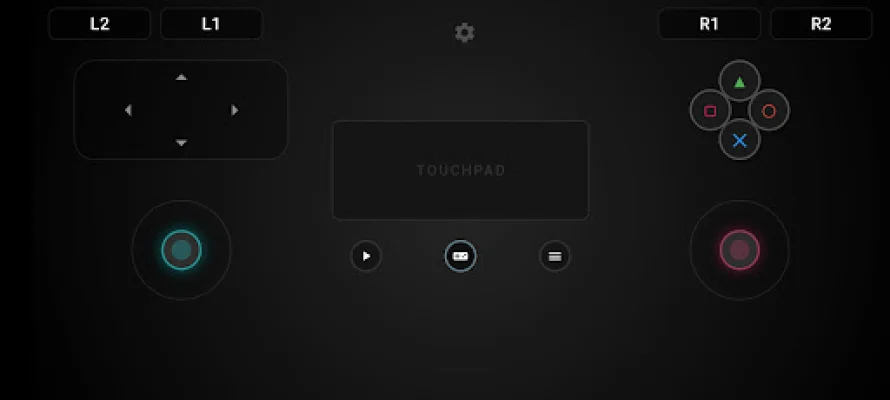
If you're a gamer, you'll love the gamepad function of Bluetooth PC Master. It allows you to emulate a game controller on your Android device, complete with analog sticks, D-pad, and buttons. This makes it possible to play your favorite PC games using your phone or tablet as a controller.
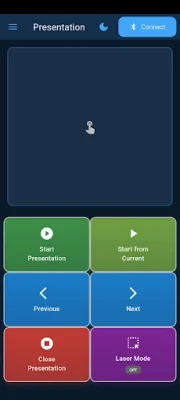
In addition to these input methods, the app also offers shortcuts for quick actions, such as creating custom keyboard shortcuts. You can also use Bluetooth PC Master to control your media player, navigate presentations, and even perform system functions like locking, sleeping, restarting, or shutting down your PC.
One of the best things about Bluetooth PC Master is that it gives you the ability to customize your experience. You can adjust sensitivity settings for mouse and scroll controls, use gyroscope-based input, and even customize the layout of the gamepad. And the best part? All of this functionality operates locally on your device, with no data collection or external server communication. This ensures your privacy and security while using the app.
Rate the App













Popular Apps









