

Phone Call
1.13 by Call Log Manager (0 Reviews) November 09, 2025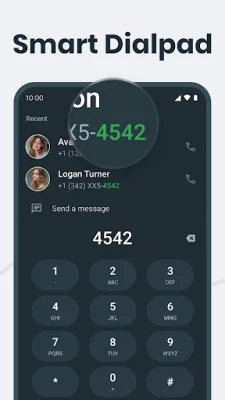

Latest Version
1.13
November 09, 2025
Call Log Manager
Tools
Android
0
Free
phonecall.log.manager.contacts
Report a Problem
More About Phone Call
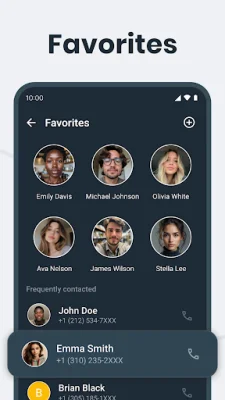
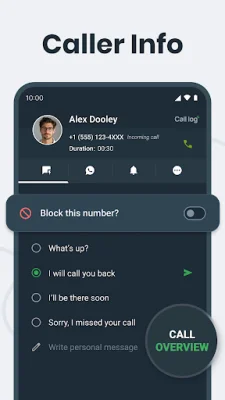
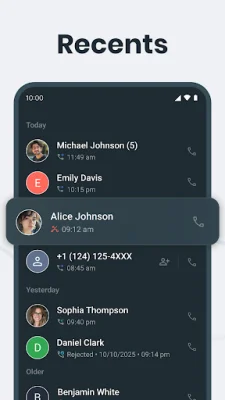
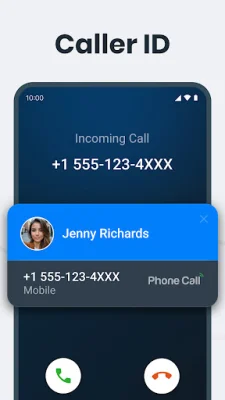
Phone Calls is a user-friendly and efficient app that allows you to easily view your call history. With its clean and organized interface, you can quickly access missed, outgoing, and detailed call information. One of the standout features of this app is its built-in Caller ID, which displays caller information and allows you to respond instantly via call, SMS, or other messaging apps. This After-Call Screen feature also lets you take quick actions such as saving contacts, setting reminders, or blocking unwanted callers. The app offers a variety of useful features, including the ability to block and unblock contacts, view your complete call history, and get detailed insights on each call. You can also use the smart search function to quickly find contacts by name and mark important ones as favorites for easy access. Additionally, the app is lightweight and fast, providing a smooth and lag-free experience. Privacy is a top priority for this app, and it is fully compliant with Google Play policies. The app only accesses call logs for the purpose of providing call management and after-call screen features. Your call data is never stored, shared, or misused without your consent. Some users may wonder why the app requires the READ_CALL_LOG permission. This is necessary for the Caller ID and After-Call Actions feature, which displays recent call details and allows for actions like blocking, quick replies, and messaging. It is also needed for call log management and smart call insights, which highlight frequently contacted numbers for easier access. In conclusion, Phone Calls is a powerful and privacy-focused app that puts you in control of your recent call history. Download it today and enjoy a seamless and secure experience.
Rate the App













Popular Apps









