
Phone Clone Data Transfer
by Mutual Soft (0 Reviews) October 31, 2024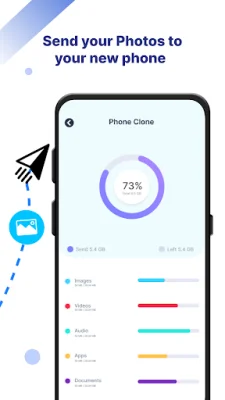
Latest Version
October 31, 2024
Mutual Soft
Tools
Android
0
Free
com.phone.clone.datatransfer
Report a Problem
More About Phone Clone Data Transfer
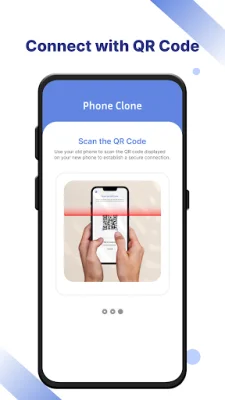
This app is designed to make data transfer between devices simple and secure. It allows you to easily connect with another device through a QR code, without the need for an internet connection. This means you can transfer or receive all types of data, including media and system data, on another phone. The app is compatible with all Android devices and can even restore system data as soon as it is received on the new device.
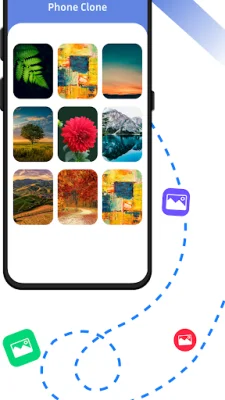
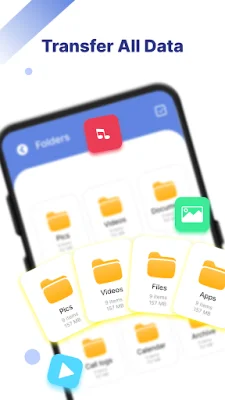
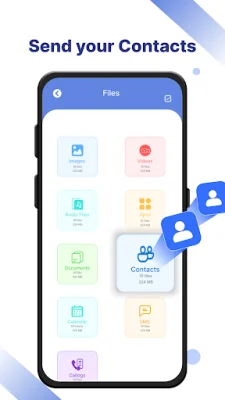
The app supports the transfer of various types of data, including photos, videos, documents, APKs, archives, and audio files. It also allows for the transfer of system data such as contacts, call logs, SMS messages, and calendar events.
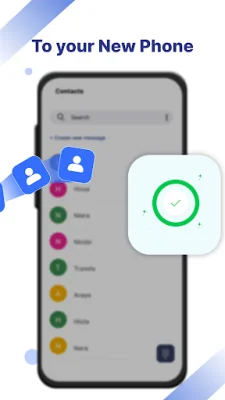
To use the app, simply open it on both devices and select the old phone as the sender and the new phone as the receiver. The old phone will display a QR code, which you can scan from the new phone to establish a connection. Once connected, you can select the data you want to transfer and press send. On the receiver's side, you will see the data that has been received. A success dialog will appear when the transfer is complete.
The app also offers premium features, which can be purchased with a one-time payment. These features include the ability to remove ads, allowing for a distraction-free transfer experience, and a dark mode for a more comfortable interface in low light environments.
In addition to the main features, the app also supports multiple languages and allows for sorting of files by type. It requires certain permissions to function properly, such as access to your location to find nearby devices, access to WiFi to establish a direct connection, and access to all files to transfer all types of media data. It also requires permissions for SMS, contacts, call logs, camera, and system settings to ensure a smooth transfer process.
Rate the App









Popular Apps









