

PigeonCast:Mirror via AirPlay
2.0.2 by PigeonCast (0 Reviews) November 03, 2025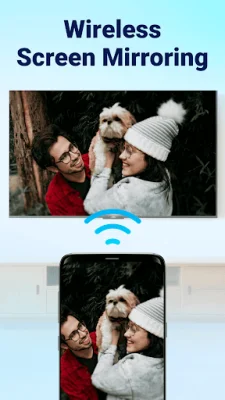
Latest Version
2.0.2
November 03, 2025
PigeonCast
Tools
Android
0
Free
com.pigeoncast.screen.mirroring
Report a Problem
More About PigeonCast:Mirror via AirPlay
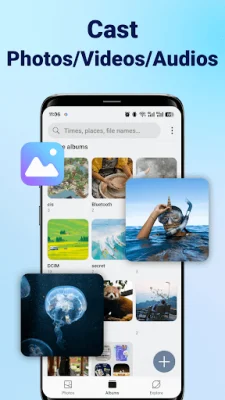
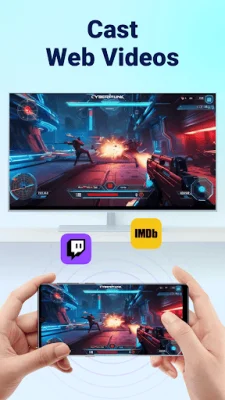
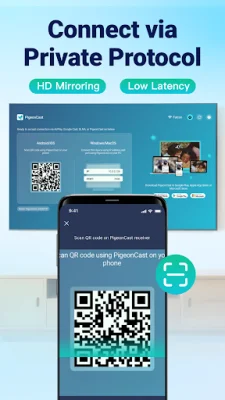
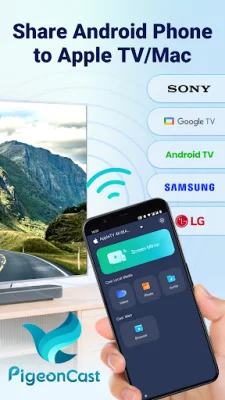
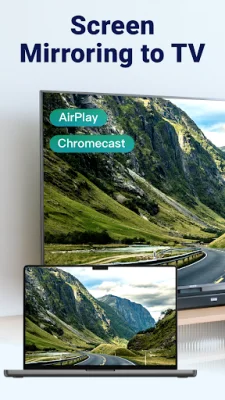
PigeonCast is a free application that allows users to easily cast and mirror their Android device's screen to various devices such as Apple TV, Mac, Chromecast, Google TV, and other smart TVs. It offers a range of features including AirPlay and Google Cast support, a self-developed protocol, high-quality screen mirroring, local media and web video casting, and remote playback controls. One of the key features of PigeonCast is its AirPlay support, which allows users to mirror their Android screen to Apple TV or Mac with support for AirPlay 2. This feature also enables multi-room audio and low-latency performance. Additionally, PigeonCast supports Google Cast, allowing users to cast their screen from their Android device to Chromecast, Google TV, and Android TV devices with built-in casting capabilities. PigeonCast also offers a self-developed protocol that allows for easy casting from an Android device to a Windows PC, Mac, or smart TV that has the PigeonCastReceiver app installed. This eliminates the need for additional hardware or complicated setup processes. With PigeonCast, users can enjoy high-quality screen mirroring up to 2K resolution at 60fps with optional audio mute. This is ideal for activities such as gaming, presentations, or real-time interactions. The app also allows for local media casting, allowing users to stream photos, videos, and audio files from their Android device to their smart TV via AirPlay or Google Cast. In addition to local media, PigeonCast also supports web video casting, allowing users to stream online videos from platforms like Twitch or iMOB using web video cast and control playback directly. This is perfect for those who want to cast web videos from their mobile browser to their TV. PigeonCast also offers remote playback controls, giving users full access to play, pause, volume, rewind, fast-forward, and file switching. This feature works with popular casting apps such as AllCast, EZCast, and Casetify accessories for enhanced casting experiences. To use PigeonCast, users simply need to install the PigeonCastSender app on their Android device and the PigeonCastReceiver app on their TV or PC. They can then connect their phone to the TV or PC by scanning a QR code with the PigeonCastSender app. This allows for easy and seamless casting and mirroring. PigeonCast is compatible with a range of devices including Apple TV, macOS, Chromecast, Google TV, Android TV, and other smart TVs such as Sony, Samsung, LG, TCL, Roku, Vizio, Xiaomi, and Hitv. This makes it a versatile and convenient solution for all casting needs. One real-world use case for PigeonCast is hosting a movie night with friends. Instead of crowding around a phone, users can simply open the app, choose their favorite video using the web video cast feature, and instantly cast it to their TV. They can also show off vacation photos by casting them directly from their gallery using screen cast mode. This impresses guests with the seamless and wireless casting experience. In summary, PigeonCast stands out from other casting apps with its unique support for AirPlay from Android devices. It offers a range of features and compatibility with various devices, making it the go-to solution for unified, wireless, multi-device casting. With no cables or adapters required, PigeonCast provides a seamless and convenient casting experience for all users.
Rate the App










Popular Apps









