

PPTControl
1.1.7 by Bastian Aunkofer (0 Reviews) November 27, 2025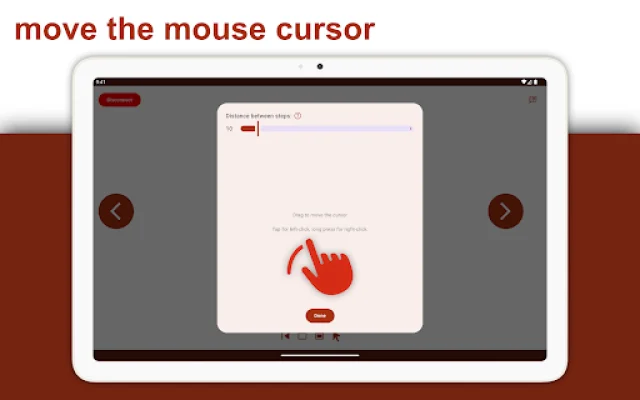
Latest Version
1.1.7
November 27, 2025
Bastian Aunkofer
Tools
Android
0
Free
com.pptcontrol.android
Report a Problem
More About PPTControl
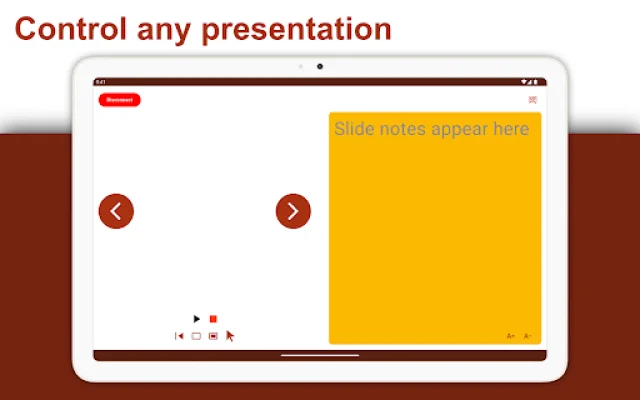
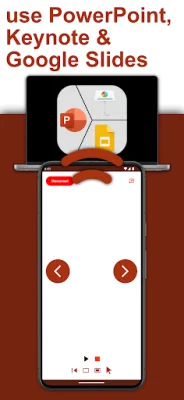
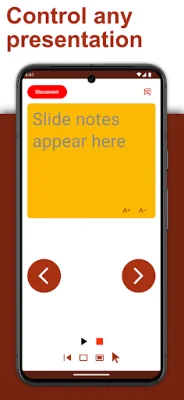
PPTControl is an application that allows you to seamlessly connect your phone or tablet to your computer and control your PowerPoint presentations with ease. With just a few simple steps, you can navigate through slides, highlight key points, and impress your audience all from the palm of your hand. This convenient and user-friendly app is perfect for professionals who want to elevate their presentations and make a lasting impression on their audience.
To get started, all you need to do is install and launch PPTControl Desktop on your computer. You can easily download it at bit.ly/pptl and make sure to grant any required permissions. Once the desktop app is installed, open PPTControl on your phone or tablet and select your computer from the list. Then, simply accept the connection on your computer and you're ready to go! It's that easy.
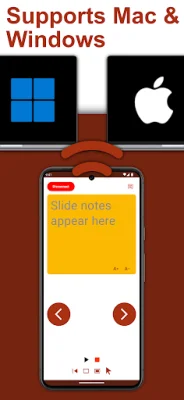
One important requirement for using PPTControl is that both your computer and phone/tablet must support Bluetooth. This is necessary for the seamless connection between the two devices. If you're unsure if your devices support Bluetooth, you can check before downloading the app.
With PPTControl, you can take your presentations to the next level. No more fumbling with a remote or being tied to your computer. You can move around freely and confidently while controlling your slides and engaging with your audience. This app is perfect for professionals who want to make a lasting impression and deliver a polished and professional presentation.
For more information and to download PPTControl, visit https://pptcontrol.app. This app is a game-changer for anyone who wants to elevate their presentations and make a lasting impression on their audience. So why wait? Download PPTControl today and take your presentations to the next level.
Rate the App















Popular Apps









