

Quick Buttons - Navigation bar
4.0.1.0 by Growtons Tech (0 Reviews) March 21, 2026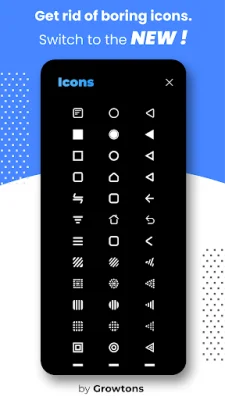
Latest Version
4.0.1.0
March 21, 2026
Growtons Tech
Tools
Android
0
Free
com.growtons.bottom.navigation.bar.power.button.home.button.back.button.flash.light.volume.button
Report a Problem
More About Quick Buttons - Navigation bar
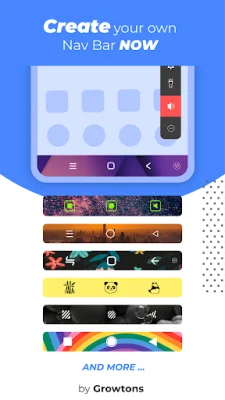
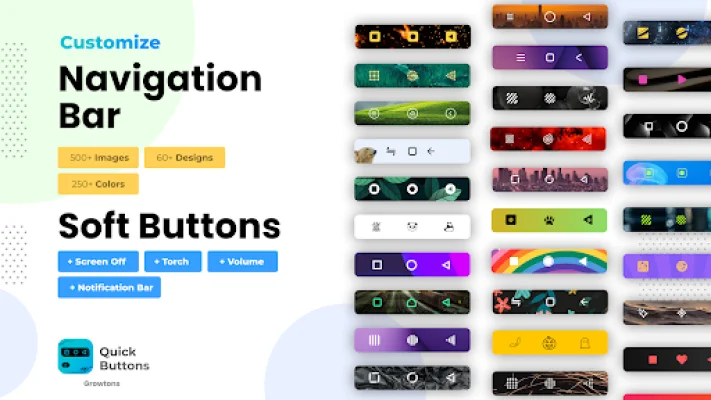
This app is designed to enhance your navigation experience by providing a colorful bottom navigation bar with essential buttons such as back, home, and recent apps. It also includes a set of feature buttons, including power and volume buttons, as well as a flashlight. If your device's buttons are not working or damaged, this app is perfect for you.
Whether you prefer a colorful navigation bar or soft buttons instead of your device's hard buttons, this app has got you covered. It allows you to preserve and protect your power and volume buttons by providing soft alternatives. This reduces the need to use your device's buttons to adjust volume or turn off the screen.
To use this app, simply install it and enable the accessibility service. This can be done by going to your device's accessibility settings and selecting the Quick Buttons App. Once enabled, the navigation bar and feature bar will appear on your screen. From the Quick Buttons App, you can customize the features and settings to your liking.
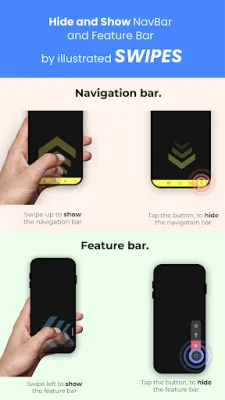
Some of the features and settings you can configure include the placement of the back button, the color of the navigation bar, and which feature buttons you want to enable or disable. You can also choose to hide the navigation bar by clicking on the dock button, and bring it back by tapping or swiping from the bottom of the screen.
The feature bar can also be docked by clicking on the dock button, minimizing its space on the screen. You can easily reopen it by clicking on the docked bar. This app allows you to choose which features you want to use, whether it's just the navigation bar or just the feature buttons.
It's important to note that this app uses accessibility service solely for the purpose of providing navigation bar, power button, volume button, and flashlight features. For devices running on Android versions Oreo or below, an additional Device Admin permission may be required for the power button feature, but it is not mandatory if you do not wish to use this feature.
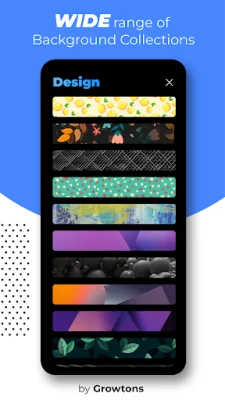
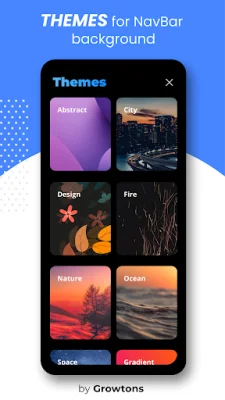
Some key features of this app include the two-in-one navigation bar and feature buttons, the ability to easily show or hide the navigation bar, and new themes and icons to personalize your navigation bar. You can also choose to have a vibration option when clicking on the navigation buttons. Enjoy the app and don't forget to rate it if you like it!
Rate the App













Popular Apps









