
Quick Share: Content Transfer
2.7.0 by Daily App pro (0 Reviews) August 03, 2024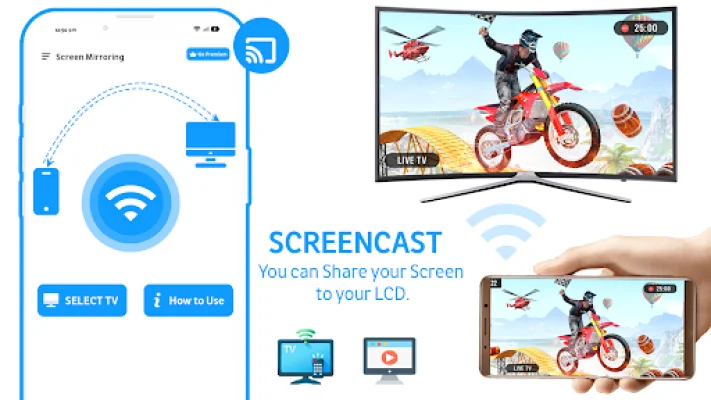
Latest Version
2.7.0
August 03, 2024
Daily App pro
Tools
Android
0
Free
com.sks.wifi.booster.wifi.analyzer.strength
Report a Problem
More About Quick Share: Content Transfer
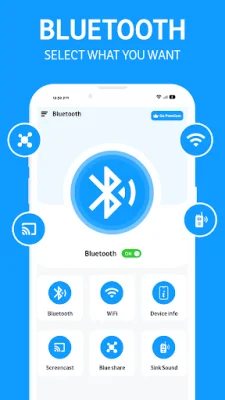
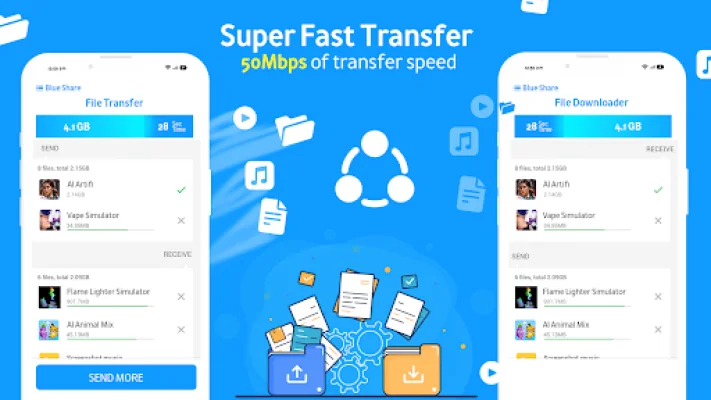
The Share Data & Transfer Files application is designed to make it easy for users to export contacts and transfer files between devices. It offers a variety of features such as screen mirroring, mobile transfer, and smart sharing. With this app, users can easily copy all types of data, including contacts, media, and apps, to their new devices. They can also share files like videos, photos, music, and apps with others using the mobile transfer feature. The app also includes data usage and screen mirroring tools to ensure a seamless transfer experience.
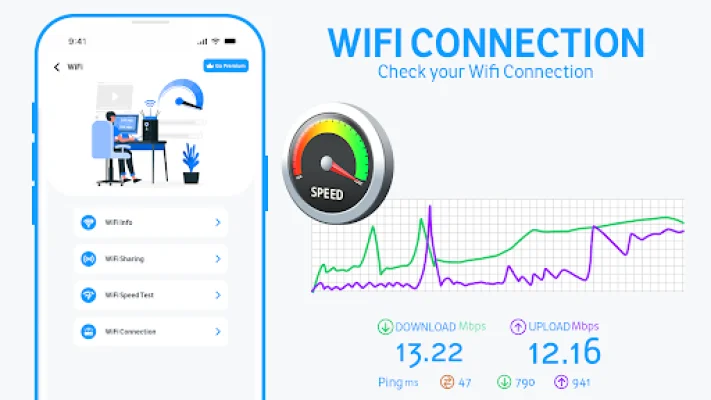
The Quick Share App Free Wifi Tools feature acts as a network scanner, allowing users to identify all devices connected to WiFi and transfer data from them. It also tracks data usage and provides speed tests for both WiFi and cellular internet connections. The screen mirroring feature analyzes WiFi networks to check signal strength, version, and distance.
The Device Info feature provides users with an overview of their device's software and hardware, including RAM, storage, CPU, and sensors. It also allows access to information about the operating system, processors, and battery health. The app also has a Quick Share WiFi feature that detects all devices on a network and facilitates mobile transfers by providing information like IP, MAC, and model.
The Screencast and Mirroring feature is perfect for streaming media and apps on TV. It allows users to wirelessly connect their smartphones to their TV and supports all Android devices and versions. The app also offers a Switch Mobile Transfer service to gather all content transfer files, including messages and apps, onto a new device. Users can also use the app to export contact logs for added security.
The app requires certain permissions, such as read and write access to external storage, to ensure a secure transfer process. By using the Copy My Data App and exporting contacts, users can ensure a safe and secure phone clone. With Smart Share, users can easily gather and share content transfer files with others. Overall, the app aims to make digital life easier and more efficient for its users.
Rate the App















Popular Apps









