Remote Control for TV: All TV
1.1.0 by JP Software Studio (0 Reviews) August 03, 2024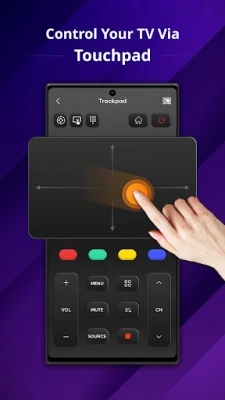
Latest Version
1.1.0
August 03, 2024
JP Software Studio
Tools
Android
0
Free
com.tools.remoteapp.control.universal.remotealltv
Report a Problem
More About Remote Control for TV: All TV
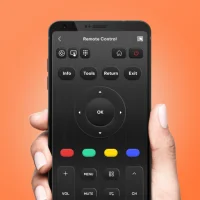
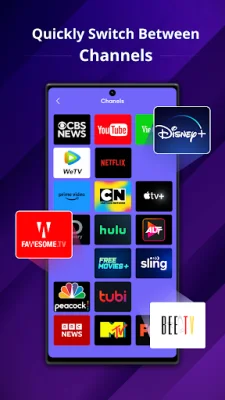
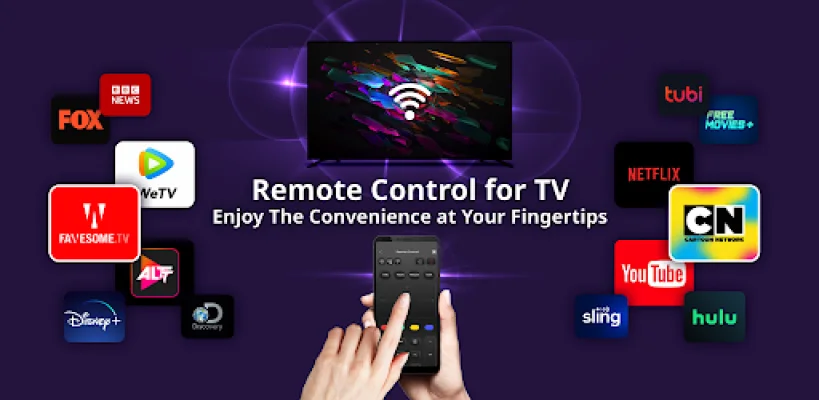
The Universal Remote Control for TV app is a convenient and easy-to-use tool that allows you to control your smart TV from your mobile device. With this app, you can easily switch between channels, adjust the volume, navigate the TV's menu and settings, and access smart features with just a few taps. Say goodbye to the frustration of searching for lost remotes and enjoy compatibility with a wide range of smart TV brands.
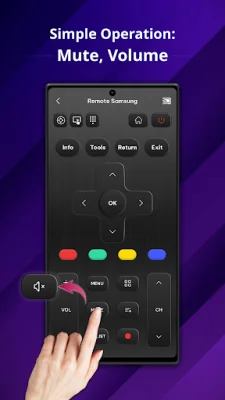
The app's main buttons include a power button for turning your TV on or off, numeric buttons for quickly entering channel numbers or other inputs, volume adjust and mute buttons, a channel selection button, a menu button for accessing TV settings, and navigation buttons for browsing through the menu. You can also use your phone as a touchpad to control the cursor on your TV screen.
To use the Universal Remote Control for TV app, make sure your phone and TV are connected to the same Wi-Fi network and turn off any VPNs. Then, simply open the app, tap the icon, and connect your phone to the TV. You can control your TV effortlessly using the touchpad, numeric buttons, and other features.
Make your TV interactions smarter, simpler, and more enjoyable with the Universal Remote Control for TV app. If you have any questions or concerns, the app's developers are available to assist you. Download the app now and enhance your TV viewing experience.
Rate the App















Popular Apps









