Remote Control for TV Ruko
1.0.2 by Vsray Technology (0 Reviews) May 20, 2026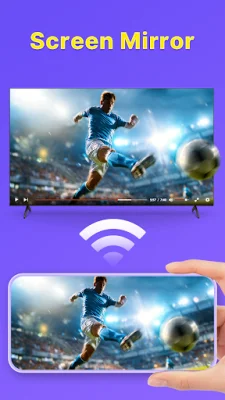
Latest Version
1.0.2
May 20, 2026
Vsray Technology
Tools
Android
0
Free
tv.remote.control.smart.universal.all.cast.screen.channel
Report a Problem
More About Remote Control for TV Ruko
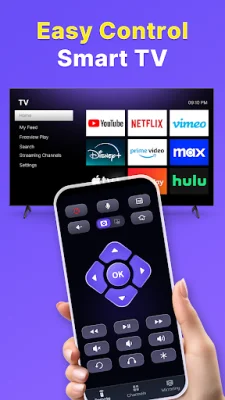
With our Smart TV Remote APP, you can easily turn your phone into a Ruko TV remote control for free. This universal remote makes it easier than ever to control your entertainment, and it's completely free to use.
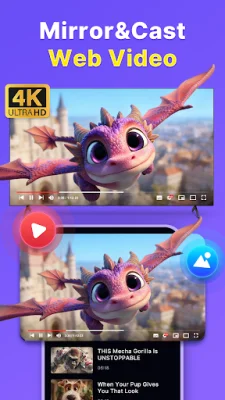
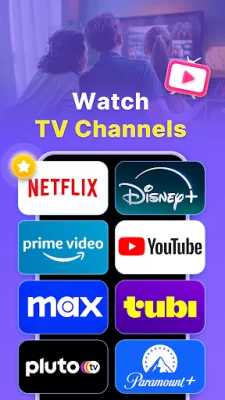
Some key features of this app include its wide compatibility, as it works as a remote control for both Ruko TVs and smart TVs. You can connect to your TV using either WiFi or Infrared, making it adaptable to your specific TV. Additionally, you can quickly access popular apps like Netflix, YouTube, Prime Video, and more. The app also allows for screen mirroring, so you can easily share photos and videos on your TV.
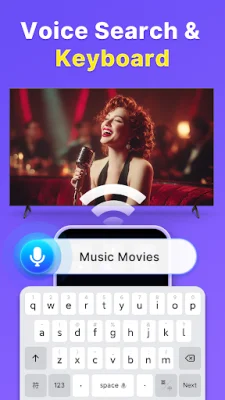
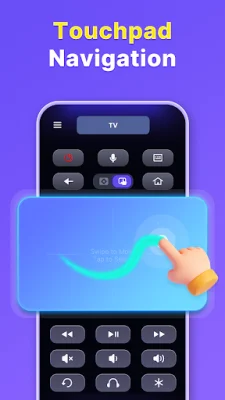
One of the most convenient features of this app is its easy touchpad and keyboard navigation. The swipe-friendly touchpad and full keyboard make it a breeze to use, giving you complete control over your TV. You can even turn your TV on and off instantly with just one touch.
The app also includes a Channel Store, which offers a variety of streaming options for you to explore. You can easily install new channels with just one tap, giving you endless entertainment options right at your fingertips.
For those late-night TV sessions, the app offers a Private Listening feature that allows you to connect your headphones and enjoy your shows without disturbing anyone else. This makes the TV control experience even better.
Overall, this free remote control for TV Ruko has everything you need in one convenient app. You can adjust volume, change channels, switch inputs, and navigate menus all from your phone. It's like having a universal TV remote control that grows with you and can be used anywhere in your house.
Rate the App

Popular Apps









