Remote for Roku: TV Remote
1.4.2 by BoostVision (0 Reviews) July 25, 2024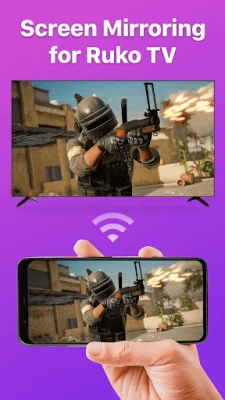
Latest Version
1.4.2
July 25, 2024
BoostVision
Tools
Android
0
Free
com.boost.roku.remote
Report a Problem
More About Remote for Roku: TV Remote
This application, called the Universal Roku TV Remote App, is designed to work with a variety of Roku streaming devices and TVs. These include popular models such as the Roku Express, Streaming Stick, Premiere, and Ultra, as well as TVs from brands like TCL, Hisense, and Philips. The app is compatible with Android devices running version 7.0 or later.
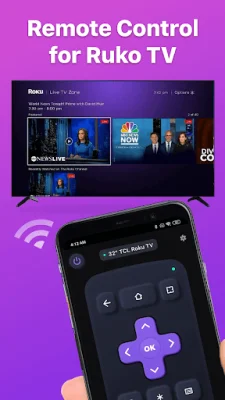
If you've lost your physical Roku remote or simply prefer the convenience of using your phone, this app serves as a replacement remote for controlling your Roku TV. It offers a range of features to make navigating and controlling your TV easier.
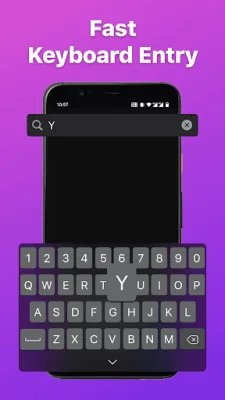
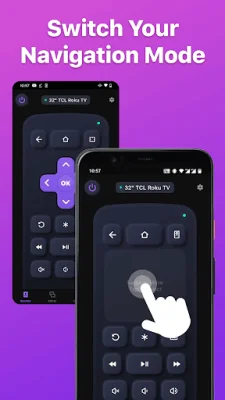
Setting up the app is a breeze - just download it and connect it to your Roku TV. From there, you can use the touchpad to scroll and swipe through the TV interface, as well as control playback with buttons like play/pause and fast forward/rewind. The virtual keyboard also makes it easy to enter text and search queries on your TV.
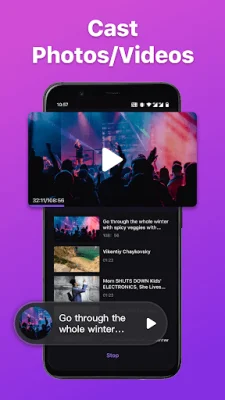
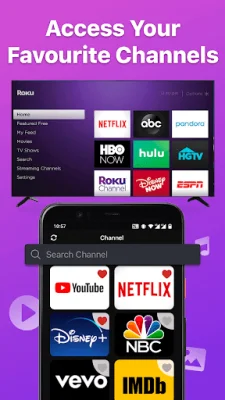
One of the most convenient features of this app is the ability to create shortcuts for your favorite channels, allowing you to launch them with just one tap. You can also use the app to power your TV on or off, as well as screen share and cast local photos and videos to your TV.
To connect the app to your Roku TV, make sure your Android device is on the same network as the TV. Then, simply select the target device in the app and you're ready to go. If you encounter any issues, try reinstalling the app and rebooting your TV.
It's important to note that this app is not affiliated with Roku, Inc. and is not an official product of the company. Be sure to review the terms of use and privacy policy before using the app. For more information and to download the app, visit the BoostVision website.
Rate the App















Popular Apps









