Remote for Roku TV - TV Remote
2.10.0 by Digital Car Key LLC (0 Reviews) July 28, 2024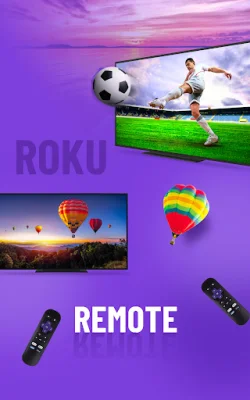
Latest Version
2.10.0
July 28, 2024
Digital Car Key LLC
Tools
Android
0
Free
com.pnh.remote.roku
Report a Problem
More About Remote for Roku TV - TV Remote
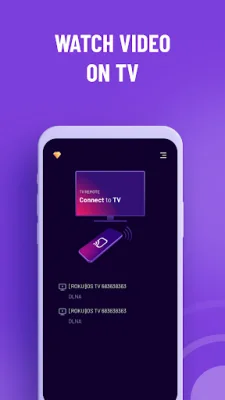
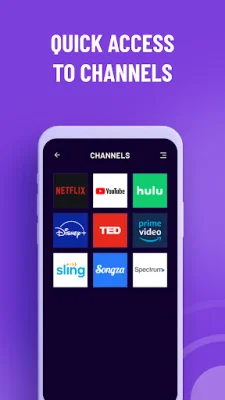
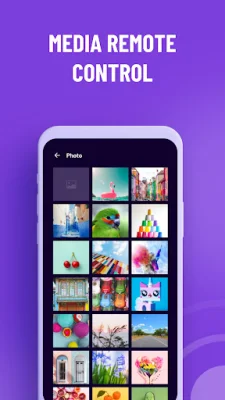
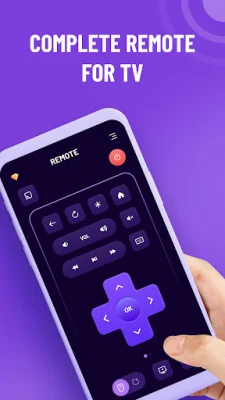
This application allows users to easily connect their phone or tablet to their Roku TV or Roku streaming player. With no setup required, users can quickly scan and connect to their TV automatically. The app also features a text keyboard for easy searching and a touchpad for simple navigation. Users can easily access all channels and launch them with a simple tap. Additionally, the app allows for casting of photos, videos, and audio from the phone to the TV, as well as screen mirroring.
To connect to the TV, users must first ensure that both their TV and phone/tablet are connected to the same WiFi network. Then, they can open the app and select their desired device to connect to. Once connected, users can control their Roku devices with a user-friendly app interface.
This app is compatible with a variety of Roku devices, including TCL, Hisense, Philips, Element, Hitachi, RCA, Insignia, Sharp, and Westinghouse Roku TVs, as well as Roku Stick, Roku Express, Roku Premiere, Roku Ultra, Roku 1-4, and legacy models.
It is important to note that both the app and the Roku devices must be connected to the same WiFi network for the app to function properly. If no Roku devices are found, users can simply restart the app.
Users can rest assured that their privacy is protected with this app, as it has a privacy policy in place. Additionally, there are terms and conditions that users must agree to before using the app. It is important to note that this app is not affiliated with Roku, Inc. and is not an official product of the company. The creators of this app strive to be original and SEO-oriented.
Rate the App















Popular Apps









