Replica・Screen Mirror from iOS
1.2.3 by TIAGO MARTINHO LTD (0 Reviews) November 03, 2025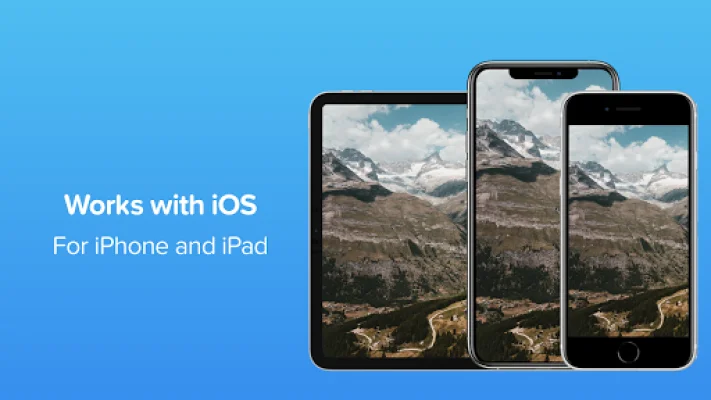
Latest Version
1.2.3
November 03, 2025
TIAGO MARTINHO LTD
Tools
Android
0
Free
com.tm.replica
Report a Problem
More About Replica・Screen Mirror from iOS
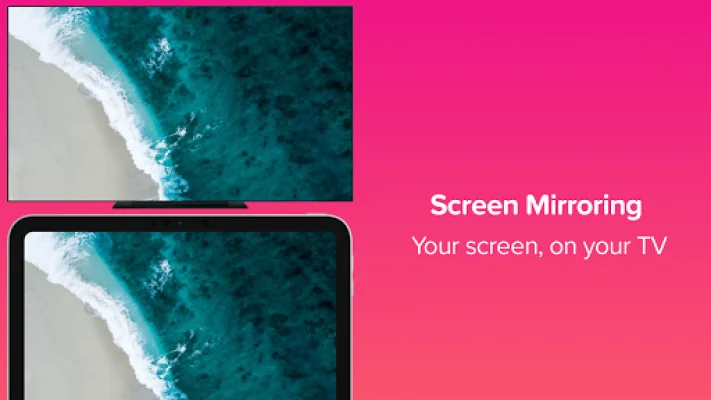
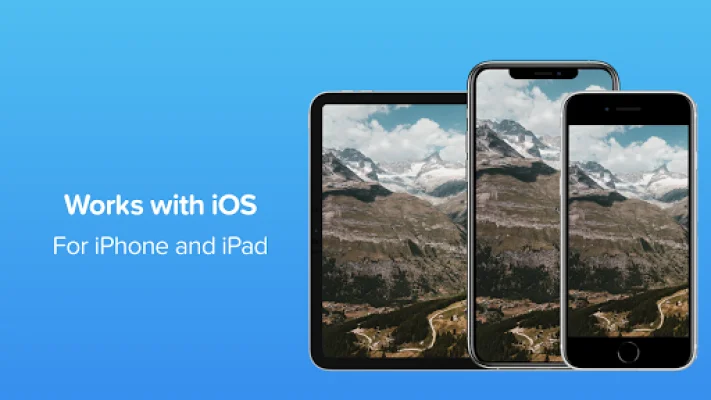
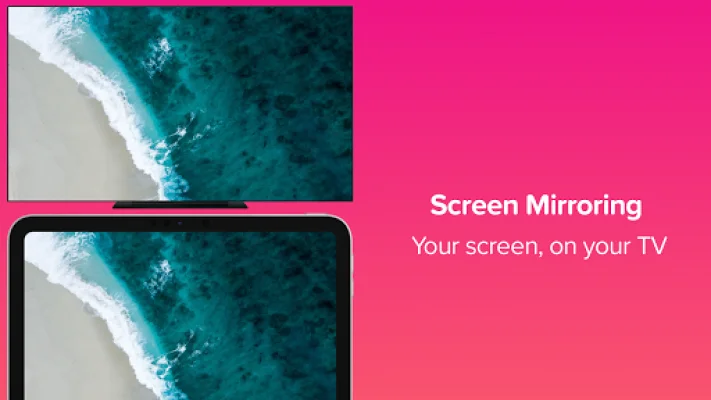
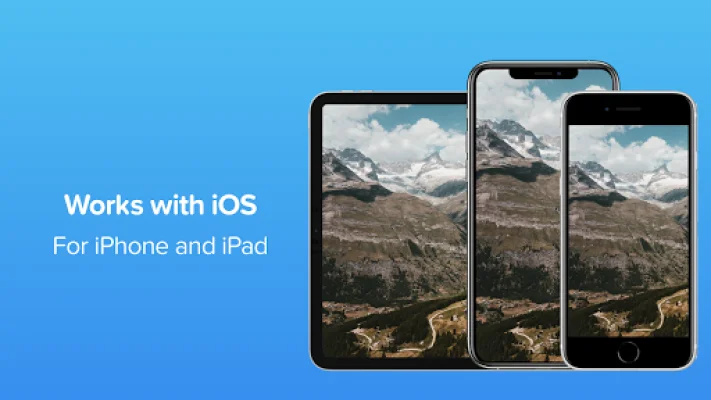
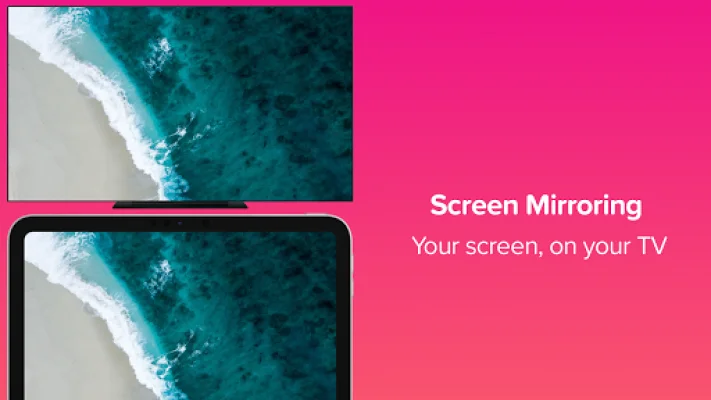
Replica is an Android TV app that allows you to easily mirror your iOS device onto your TV. This means that you can view the contents of your mobile device on a larger screen, making it perfect for watching videos, playing games, browsing the web, and more. To use Replica, you first need to download the app on both your iOS device and your Android TV. You can find the app on the App Store for iOS devices and on the Play Store for Android TV devices. Once you have downloaded the app on both devices, you can move on to the next step. The next step is to connect your iOS device to your Android TV. This can be done through a wireless connection or by using an HDMI cable. Once your devices are connected, you can start mirroring your screen onto your TV. This means that whatever you see on your iOS device will also be displayed on your TV. Now, you can sit back, relax, and enjoy your favorite apps on the big screen. Replica offers great features that you will love, such as easy setup with only two steps, high-definition quality with low delay, and an intuitive user interface that is simple yet powerful. With Replica, you can do a variety of things on your TV, such as viewing your photos, browsing the web, watching movies, casting your apps, listening to music, podcasts, and books, and even sharing slide show presentations. However, it is important to note that some apps may not allow the screen to be captured due to DRM limitations, which is done to protect the copyrights of the content being displayed. If you have any questions or doubts about using Replica, you can contact the developers at [email protected]. You can also visit their website at https://www.replicaapp.com for more information, including their privacy policy and terms of use. It is also worth mentioning that Replica is not affiliated with Google or any other trademark mentioned. So, if you want to easily mirror your iOS device onto your TV, give Replica a try and experience the convenience and enjoyment it offers.
Rate the App




Popular Apps









