
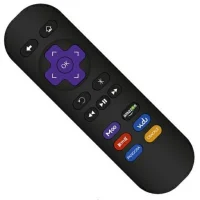
Roku Express Remote
10.5 by Remotify Apps (0 Reviews) November 02, 2025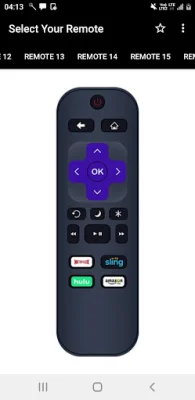


Latest Version
10.5
November 02, 2025
Remotify Apps
Tools
Android
0
Free
in.remotify.www.controleremotosky
Report a Problem
More About Roku Express Remote
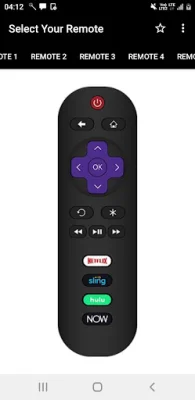
Roku TV Remote is an application that allows users to control their Roku TV using their mobile devices. It supports a wide range of Roku TVs, including popular brands such as LG, TCL, and Philips. The app offers a variety of features to enhance the user's TV viewing experience, such as easy channel switching, keyboard and voice search, and the ability to adjust volume and toggle inputs. It also has support for tablets and Android Wear, making it convenient for users to control their TV from different devices.
One of the main advantages of Roku TV Remote is that it does not require any setup. The app automatically scans for the user's Roku device, making it easy to connect and start using. It also has a sleek and modern design, following the material design guidelines, making it visually appealing and user-friendly.
The app offers a variety of features to make navigating and controlling the TV easier. Users can use the D-pad or swipe-pad to navigate, and they can also pair the app with multiple Roku devices. Additionally, there is an option to keep the WIFI from sleeping, ensuring a smooth and uninterrupted connection.
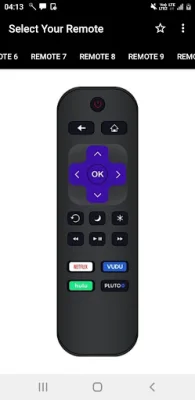
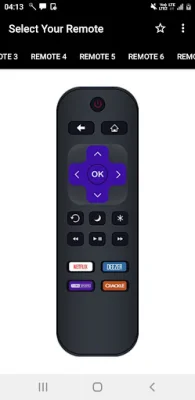
Roku TV Remote also has a separate section for Roku remote control, allowing users to play/pause, fast forward, and rewind their content. They can also switch between channels and control the TV's power and volume. The app also supports keyboard and voice search, making it easier to search for content on channels like Netflix, Hulu, or Disney+.
The app is free to use, and the developers have made sure to provide quick tips and troubleshooting options for any issues that may arise. They also offer support via email for any further assistance. Overall, Roku TV Remote is a convenient and user-friendly app that enhances the TV viewing experience for Roku users.
Rate the App











Popular Apps









