Roku remote
1.0.0 by Pylab (0 Reviews) July 27, 2024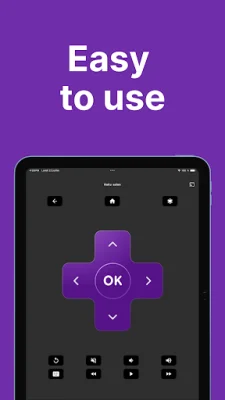
Latest Version
1.0.0
July 27, 2024
Pylab
Tools
Android
0
Free
com.pylab.remote_roku
Report a Problem
More About Roku remote
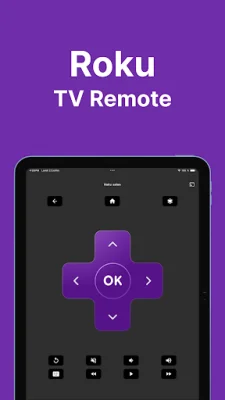
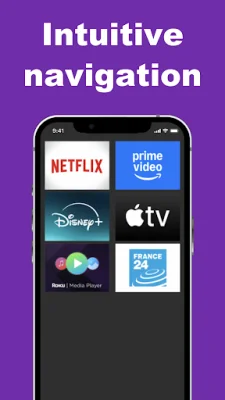
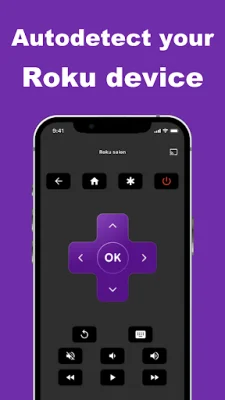
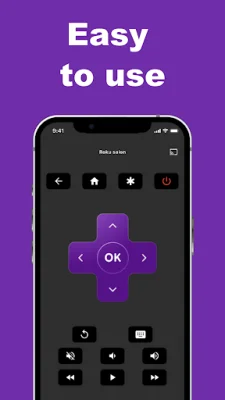
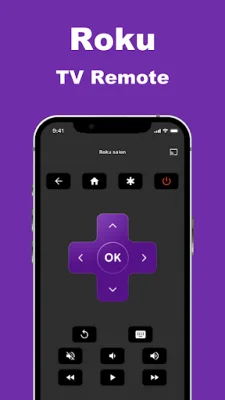
Say goodbye to your worries! With the « Roku remote » app, controlling your Roku TV streaming player has never been easier. This app allows you to access the menus of your Roku TV player, as well as popular apps like Netflix, Amazon, Disney, Apple Music, and Spotify. You can also easily change TV channels, adjust the volume, and pause and resume your TV program with just a few taps.
The « Roku Remote » app is available for free on the Play Store and has been developed with a strong focus on quality and user-friendliness. Unlike other remote control apps, there is no complex setup process required. Simply download the app and it will seamlessly connect to your home Wi-Fi network, allowing you to control your Roku TV device with ease.
This app is compatible with a range of Roku devices, including Express, Express 4K+, Streaming Stick 4K, and Ultra. It has been meticulously crafted to provide you with an exceptional remote control experience for your Roku TV streaming player. Please note that this app is not an official Roku application or affiliated with Roku Inc. in any way. However, our goal is to simplify how you interact with your Roku TV device using your smartphone.
Say goodbye to juggling multiple remotes and struggling to find the right buttons. With the « Roku Remote » app, you can easily control your Roku TV player from the convenience of your smartphone. So why wait? Download the app today and experience the convenience and simplicity of controlling your Roku TV streaming player with ease.
Rate the App















Popular Apps









