

Roku Remote: RoSpikes(WiFi/IR)
1.42 by Spikes Labs (0 Reviews) July 25, 2024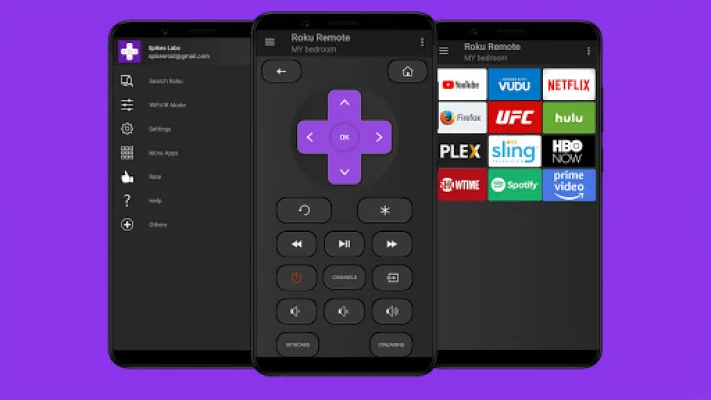
Latest Version
1.42
July 25, 2024
Spikes Labs
Tools
Android
0
Free
roid.spikesroid.roku_tv_remote
Report a Problem
More About Roku Remote: RoSpikes(WiFi/IR)
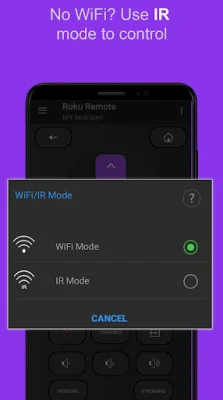
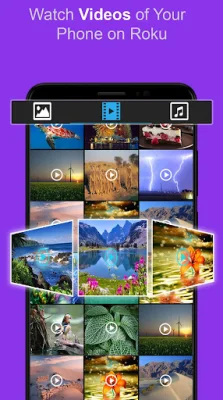
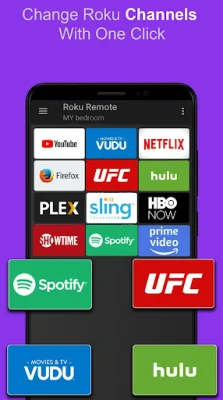
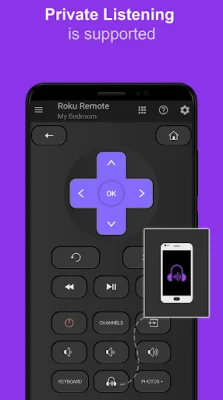
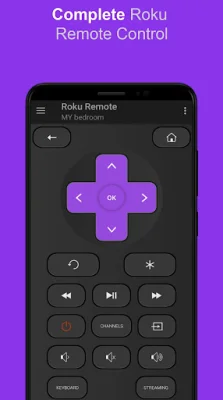
Stream your photos, music, and videos from your phone onto a big TV screen with the RoSpikes Roku Remote controller app. This app supports both private listening and screen mirroring, and can be used in either Wi-Fi or IR mode. The user interface is easy to navigate and includes top features for a seamless experience. With RoSpikes, you can control your Roku device using all of the remote buttons, and even edit the device name. You can also access popular Roku channels like YouTube, Netflix, and Hulu directly from the app. In addition, you can power your Roku device on and off, adjust the volume, and toggle between HDMI sources. The app also includes a fast keyboard for writing text directly onto your TV screen. RoSpikes supports a variety of Roku devices, including the Streaming Stick Express, Express+, Premiere, Premiere+, and Ultra, as well as Roku TVs from brands like Philips, TCL, and Hisense. In order to use the app in Wi-Fi mode, your Roku device and Android phone must be connected to the same Wi-Fi network. For IR mode, your phone must have an inbuilt infrared IR blaster. To use RoSpikes, simply download the app and choose your desired mode from the navigational drawer. Some apps, like YouTube, may not support the keyboard feature. For more details on how to use the app, you can watch a tutorial video or visit the RoSpikes website. Please note that RoSpikes is not affiliated with Roku, Inc. and is an unofficial product. The app has been properly tested and is compliant with policies. If you encounter any issues, please contact the developers before giving a low rating. RoSpikes also offers additional features such as casting local media, controlling via IR infrared, and a shaking feature.
Rate the App















Popular Apps









