Roku Remote TV: Control & Cast
by Quanticapps FZ LLE (0 Reviews) July 27, 2024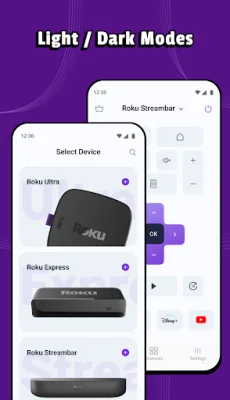
Latest Version
July 27, 2024
Quanticapps FZ LLE
Tools
Android
0
Free
com.quanticapps.android.rokutv
Report a Problem
More About Roku Remote TV: Control & Cast
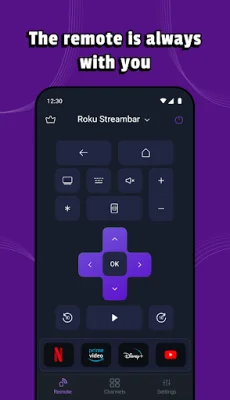
Roku Remote TV is a convenient and user-friendly app that allows you to control your Roku devices from your smartphone or tablet. It eliminates the need for multiple remote controls and makes it easy to remember which button does what. The app has a simple and intuitive interface that anyone can use, making it the best choice for controlling your Roku devices.
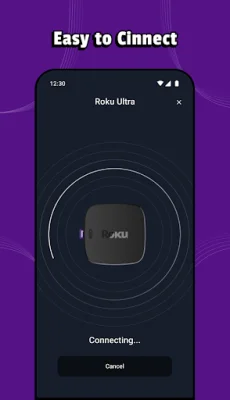
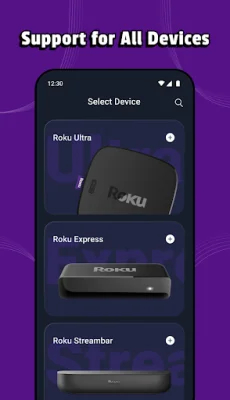
The app is easy to set up and automatically detects your Roku device. All you need to do is connect your device to the same Wi-Fi network as your phone or tablet, and the app will take care of the rest. This eliminates the hassle of manually setting up the app and ensures a seamless connection between your devices.
Roku Remote TV offers a variety of features that enhance your TV viewing experience. You can turn your TV on or off directly from the app, adjust the volume, and even change channels. The app also has a voice search feature, allowing you to search for movies, TV shows, and more using your voice. Additionally, you can cast your photos and videos to your TV with just a few taps.
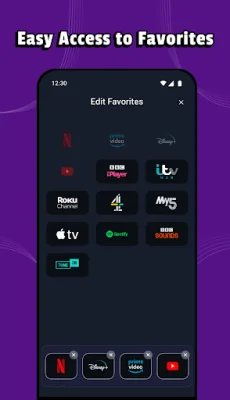
The app also offers customization options, allowing you to personalize the layout of your remote control. You can rearrange buttons, add or remove buttons, and change the background color to suit your preferences. This makes your remote control unique and tailored to your needs.
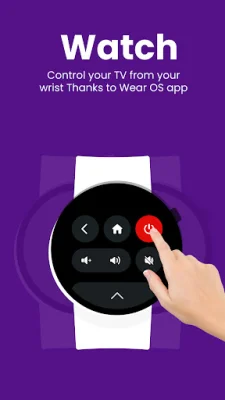
Roku Remote TV is completely ad-free, ensuring uninterrupted control over your Roku devices. It also has a Wear OS app, allowing you to control your TV from your wrist. The app is not affiliated with Roku, making it a reliable and original third-party option for controlling your TCL TV brands, including 4, 5, and 6 Series.
In conclusion, Roku Remote TV is the perfect solution for simplifying your Roku remote control and providing a convenient way to search and cast media to your TV. Download the app now and enjoy effortless control over your Roku devices.
Rate the App















Popular Apps









