
Samsung Smart Switch Mobile
3.7.57.6 by Samsung Electronics Co., Ltd. (0 Reviews) July 22, 2024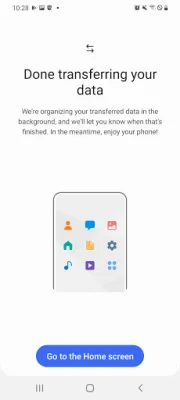
Latest Version
3.7.57.6
July 22, 2024
Samsung Electronics Co., Ltd.
Tools
Android
0
Free
com.sec.android.easyMover
Report a Problem
More About Samsung Smart Switch Mobile
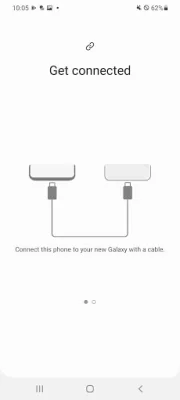
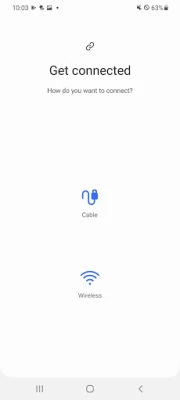
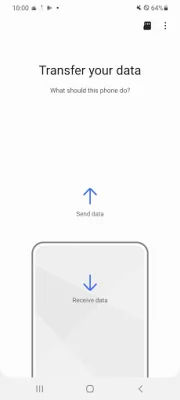
Smart Switch is an application that allows users to transfer data from one device to another. It is available for both Android and iOS owners, but the requirements for each platform differ. Android owners must have a device with Android 4.0 or higher for wireless transfer, while iOS owners must have iOS 5.0 or above for wired transfer. Additionally, iOS owners can also import data from iCloud or transfer using iTunes with the Smart Switch software.
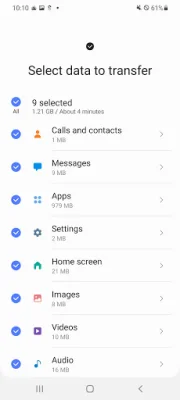
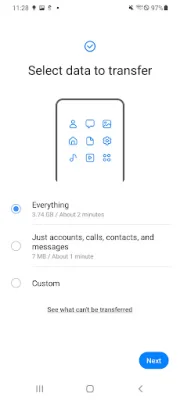
The types of data that can be transferred include contacts, calendar, messages, photos, music, videos, call logs, memos, alarms, Wi-Fi settings, wallpapers, documents, app data, and home layouts. However, not all data can be transferred to all devices. For example, DRM-protected content cannot be transferred from iCloud, and app data and home layouts can only be transferred to Galaxy devices with M OS (Galaxy S6 or higher).
Smart Switch supports recent Galaxy mobile devices and tablets, starting from the Galaxy S2. It also supports other Android devices from various manufacturers such as HTC, LG, Sony, Huawei, and more. However, due to compatibility issues, it may not be possible to install and use Smart Switch on certain devices.
Before transferring data, both devices must have at least 500 MB of free space in their internal memory. If a non-Samsung device keeps disconnecting from the wireless network, users can try turning off certain Wi-Fi options in their device settings. The app also requires certain permissions to function properly, such as access to phone, call logs, contacts, calendar, SMS, storage, files and media, photos and videos, microphone, nearby devices, location, and notifications. These permissions may vary depending on the device's operating system and version.
In addition to the required permissions, Smart Switch also offers optional permissions for features such as using the camera to scan QR codes for connecting to Galaxy devices. Users with Android versions lower than 6.0 will need to update their software to configure app permissions. And after a software update, previously allowed permissions can be reset in the device settings.
Rate the App











Popular Apps









