

Santander mobile
8.24.52 by Santander Bank Polska S.A. (0 Reviews) August 18, 2024
Latest Version
8.24.52
August 18, 2024
Santander Bank Polska S.A.
Finance
Android
0
Free
pl.bzwbk.bzwbk24
Report a Problem
More About Santander mobile
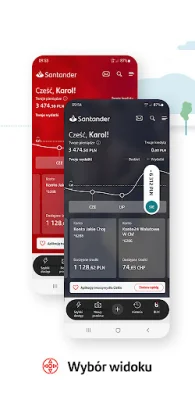
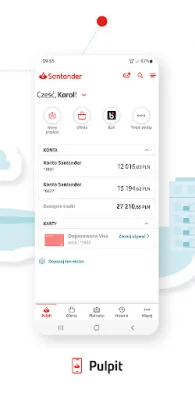
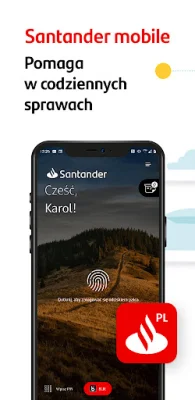
The Santander application allows you to customize it to your preferences. You can set your preferred name and choose a wallpaper for the app. To access the customization options, simply double-click on the Santander logo on your desktop.
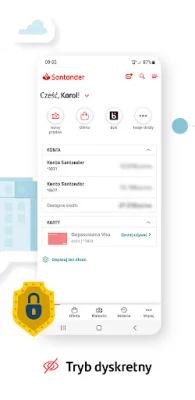
If you want to keep your financial information private, you can enable the silent mode feature. This will prevent others from seeing your account balance when you are in public places, such as on a tram.
Stay updated on your account and card activity with the Alerts24 and quick view features. If you have used these features in the previous version of the app, make sure to re-enable them in the new version.
The Price guide section provides information on the cost of maintaining a Santander account and the monthly fee for the card, which is PLN 0. This will help you stay informed about any potential fees associated with your account.
With the Carbon footprint feature, you can track your approximate carbon footprint based on your card purchases. This section also offers tips on how to reduce your carbon footprint and save money.
The Santander app also allows you to make contactless payments using BLIK or Google Pay. If you have used BLIK contactless payments in the previous version of the app, you can easily re-enable them in the new version.
Aside from managing your finances, the app offers additional features such as checking your card details, paying for parking and motorway tolls, purchasing public transport tickets, event tickets, and even flowers. The app aims to provide convenience and efficiency in managing your financial transactions.
Rate the App












Popular Apps









