Screen Cast Mirroring - easy s
1.3.2-google by MOBZAPP (0 Reviews) August 21, 2024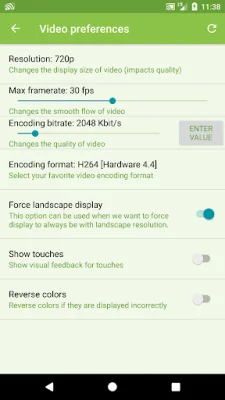
Latest Version
1.3.2-google
August 21, 2024
MOBZAPP
Tools
Android
0
Free
com.mobzapp.screencast
Report a Problem
More About Screen Cast Mirroring - easy s
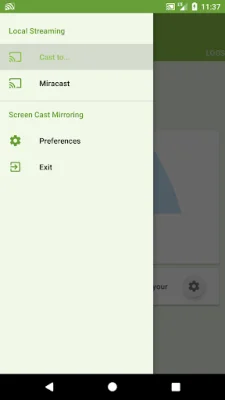
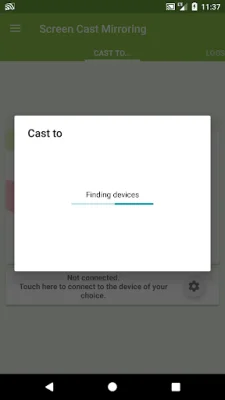
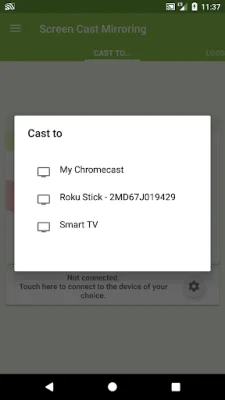
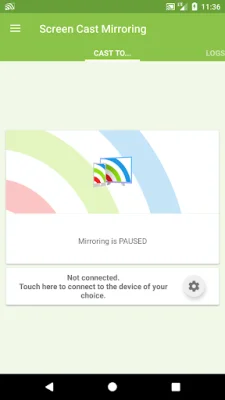
The app allows users to easily screencast their device's screen to other smart devices such as Smart TVs, Blu-Ray players, and Chromecast. This means that users can display their device's screen on a larger screen in real-time, similar to a dual screen setup. The app is also compatible with other UPnP / DLNA compatible players and devices, as well as Miracast devices.
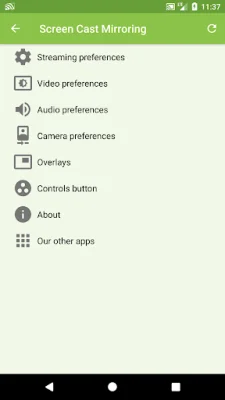
Some of the key features of the app include the ability to screencast without needing to root the device (for devices running Android 5.0 or earlier), compatibility with various video players and devices, and the ability to use the device's camera as an overlay while streaming. Users can also add image and web overlays (for devices running Android 5.0 or later), stream internal audio and microphone, and even mix internal and microphone audio. The app also allows for screen drawing while mirroring, making it perfect for demonstrations. Additionally, it is compatible with network tethering through wifi, bluetooth, or USB, and has various settings to optimize performance.
Before installing the app, users are advised to read the instructions provided. They are also reminded not to use reviews to report issues or ask questions, and instead to contact the support team at [email protected] for assistance. The team is dedicated to helping users resolve any difficulties they may encounter with the app and encourages users to reach out for help before leaving a negative review. The team also requests that users provide original and SEO-oriented comments when leaving a review.
For unrooted devices running Android 5.0 or earlier, users will need to use the startup tool provided by the app to activate screen mirroring. This tool can be downloaded from the provided link and only needs to be used once, unless the device is restarted.
In case of any issues or future requests, users are encouraged to contact the support team at [email protected]. The team is dedicated to providing assistance and improving the app based on user feedback.
Rate the App















Popular Apps









