

Screen Lock Pro
by Mahesh Kumar Nayak (0 Reviews) March 21, 2026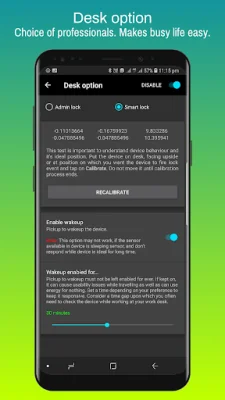
Latest Version
March 21, 2026
Mahesh Kumar Nayak
Tools
Android
0
$1.99
com.iglint.android.screenlockpro
Report a Problem
More About Screen Lock Pro
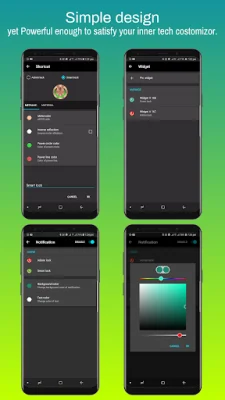
This app is designed to provide users with a variety of options for locking their device. It requires certain permissions, such as Device Administrator and Read Write System Settings, in order to function properly. These permissions allow the app to offer features like Admin lock and Smart lock, which can be accessed through shortcuts, a widget, or the notification bar. The app also utilizes the Accessibility service for Android 9 and above, which helps to overcome any delays in the Smart lock feature.
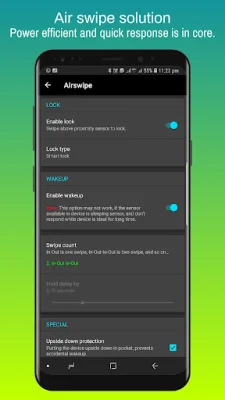
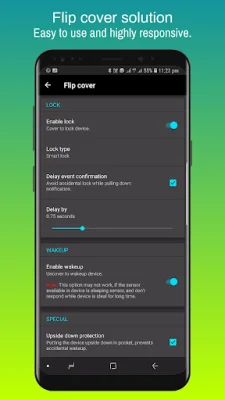
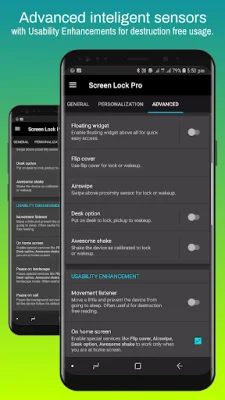
In addition to traditional locking methods, this app also offers unique options like using device sensors for lock and wake-up features. Users can choose from options like Flip cover, Air swipe, Desk option, and Awesome shake to lock and unlock their device. The app also includes usability enhancements, such as a "Movement listener" option for uninterrupted reading and the ability to pause on landscape mode or during phone calls.
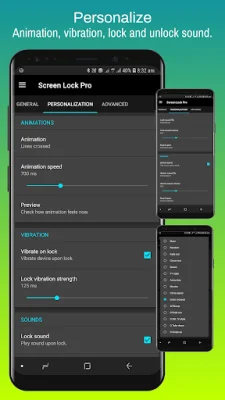
For a personalized experience, the app allows users to choose animations, vibration feedback, and lock and unlock sounds. These can be adjusted through the notification sound and can even be used in Do Not Disturb mode. The lock icon can also be customized with a metallic or material design.
Users can also adjust the animation speed through the "Transition animation scale" and "Animator duration scale" settings. The app recommends using a speed of 1x for the best "Screen Off" experience, though changes may take place after locking and unlocking the device.
It is important to note that the Device Administration permission must be disabled before uninstalling the app. Additionally, users should disable the default device lock and unlock sound if they are applying settings from this app. The developers welcome any suggestions for improving the app and strive to provide users with the best possible experience.
Rate the App













Popular Apps









