Screen Mirroring - Cast to TV
by MixGroup (0 Reviews) April 20, 2026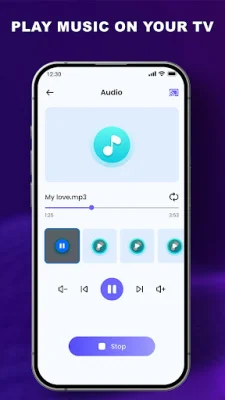
Latest Version
April 20, 2026
MixGroup
Tools
Android
0
Free
com.casttotv.screen.mirroring.tvcast.screensharing
Report a Problem
More About Screen Mirroring - Cast to TV
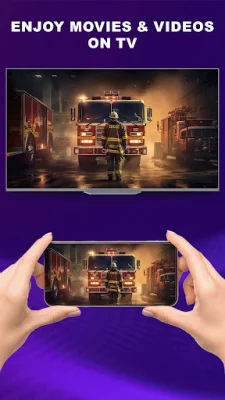
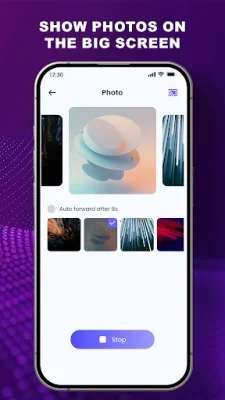
If you're looking for a convenient way to mirror your phone's screen or cast to your TV, then this Miracast app is the perfect solution. With just a few simple steps, you can easily connect your phone and TV and enjoy a whole new viewing and listening experience. Whether you want to watch videos, browse photos, or listen to music, this app allows you to do so on your TV's speakers for a more immersive experience.
The app is designed to provide stable connections, making it suitable for various purposes such as home entertainment, Samsung screen mirroring, or screen sharing for work or study. The process of mirroring your screen to your TV is straightforward and hassle-free.
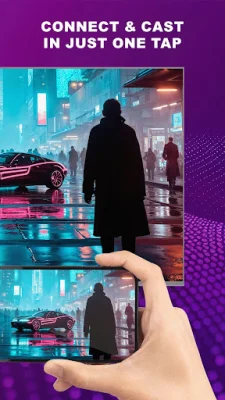
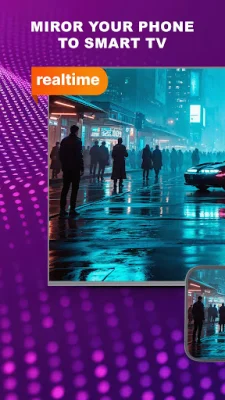
The main features of this Cast to TV - Miracast app include the ability to mirror videos, photos, and music in real-time, share photo slideshows and albums with others, and support high-quality playback for clear visuals. It also works with various Smart TVs such as Samsung, LG, TCL, Roku, and more. The app also offers direct and instant screen mirroring with just one tap, eliminating the need for cables or complicated setup. It automatically detects compatible devices and connects over the same Wi-Fi network.
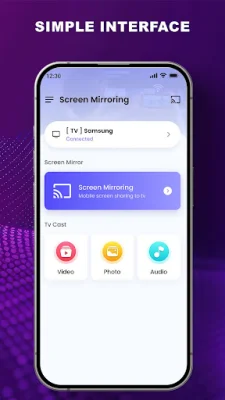
The connection process is fast and easy, with a simple interface designed for easy navigation. You can also play music through your TV's speakers for a different sound experience and enjoy HD video casting and clear photo mirroring. With its smooth connection process and support for multiple devices, this Miracast app is perfect for watching movies, viewing presentations, or sharing moments with friends and family. The user-friendly interface makes it suitable for different users.
To start using this app, simply install Screen Mirroring - Cast to TV and connect your phone to a compatible TV. Both devices should be connected to the same Wi-Fi network, and then you can select your TV and begin sharing your content. It's important to note that this app is not affiliated with Google or any other mentioned brands. So, if you're looking for a simple and efficient way to mirror your phone's screen to your TV, give this app a try.
Rate the App





Popular Apps









