
Screen Mirroring for all TV
1.4.0 by PixalApp (0 Reviews) December 07, 2025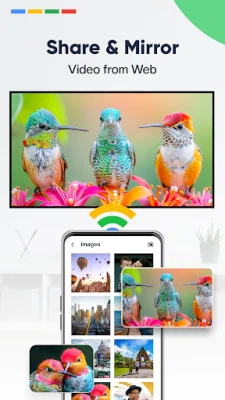
Latest Version
1.4.0
December 07, 2025
PixalApp
Tools
Android
0
Free
com.pixalapp.screenmirroring.webvideos
Report a Problem
More About Screen Mirroring for all TV
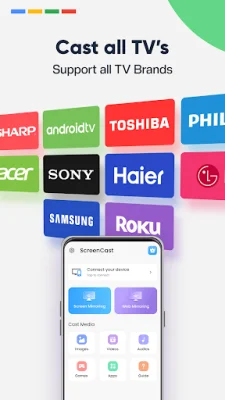
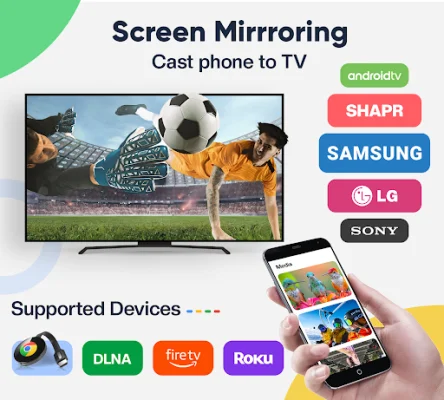
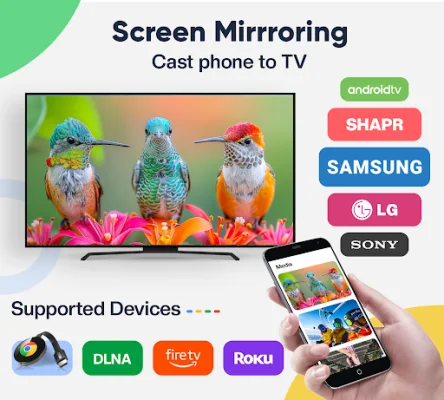
Screen Mirroring for all TV is a convenient and versatile app that allows you to easily stream videos, play games, give presentations, and share photos on your TV. With its key feature of casting to TV, you can mirror your phone's screen to any device in just a few seconds. And the best part? No cables are required! Simply connect via WiFi and enjoy smooth Full HD screen mirroring with no buffering.
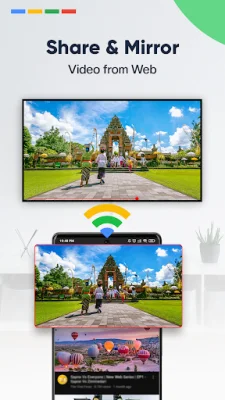
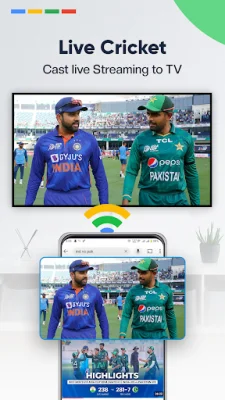
One of the standout features of Screen Mirroring for all TV is its ability to stream web videos and audios directly to your TV. This means you can easily watch your favorite movies and shows from streaming services like Netflix or YouTube on the big screen. It's perfect for a cozy movie night or catching up on your favorite TV series.
In addition to entertainment, this app also offers screen sharing for presentations. Whether you're in an online meeting, conference, or even gaming with friends, you can easily share your screen with others on a larger display. This makes it a great tool for both personal and professional use.
Using Screen Mirroring for all TV is simple and user-friendly. Just make sure your phone and TV/PC are connected to the same WiFi network, enable "Wireless display" on your phone, and "Miracast display" on your smart TV. Then, search and pair the devices and tap "Start Mirroring" to begin sharing your content on the big screen. It's as easy as that!
Don't miss out on the best screen sharing experience – download Screen Mirroring for all TV now and start enjoying all the benefits it has to offer. Whether you want to watch videos, play games, give presentations, or share photos, this app has got you covered. So why wait? Try it out today and see for yourself!
Rate the App















Popular Apps









