
Screen Mirroring for all TV
by Apex App Solution (0 Reviews) December 08, 2025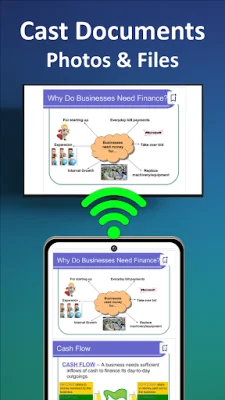
Latest Version
December 08, 2025
Apex App Solution
Tools
Android
0
Free
com.apex.screen.mirroring.tv.cast.app
Report a Problem
More About Screen Mirroring for all TV
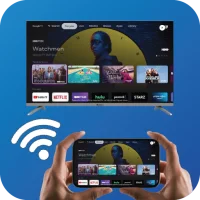
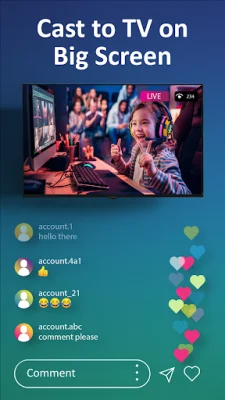
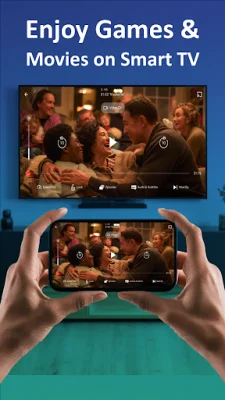
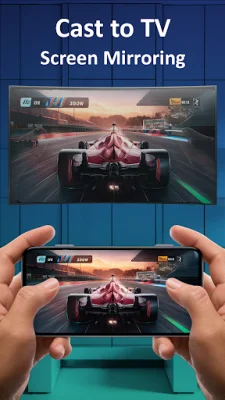
Screen Mirroring for All TV is an application that allows you to mirror and cast your phone's screen to a TV for free. This means that you can easily view all of your games, photos, videos, and other apps on a larger TV screen using TV cast for chromecast. If you're tired of squinting at your small phone screen, this app provides a fantastic solution by allowing you to connect your phone to a TV, Chromecast, Miracast, Firestick, Samsung, Roku, or Anycast for a better viewing experience.
With this app, you can share your smartphone screen with a TV on a WIFI network. It offers the ability to reflect and cast your phone's screen to a television, allowing you to duplicate your Android phone's screen on a TV.
The process of connecting your phone or tablet to your TV is simple and secure with Screen Mirroring for All TV. This app ensures a secure connection to protect your files, apps, and data. Additionally, it is user-friendly and completely free to use.
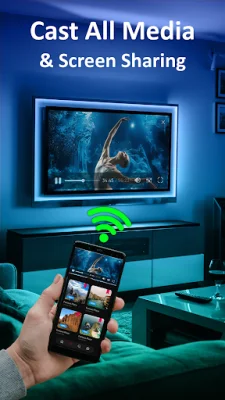
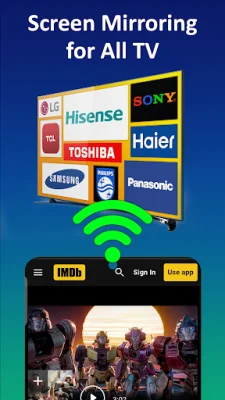
Some key features of this app include its compatibility with all smart TVs, the ability to play mobile games on a larger TV screen, the option to watch TV shows with family, the ability to make presentations or screen share in a business meeting, support for all media files, and the ability to stream sports using the smart view feature.
To use this app, you simply need to ensure that your TV and smartphone/tablet are connected to the same WIFI network. Then, you can easily connect your phone to your TV and enjoy a larger screen experience.
If you have any questions or concerns, you can contact the app developers at [email protected]. This app is designed to provide a seamless and enjoyable screen mirroring experience for all TV users.
Rate the App














Popular Apps









