Screen Mirroring for Fire TV
1.49 by 2kit consulting (0 Reviews) July 28, 2024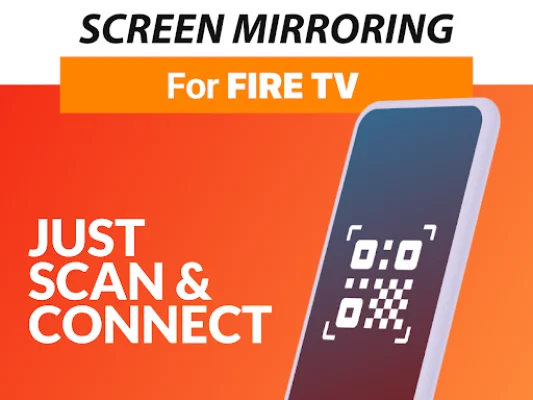
Latest Version
1.49
July 28, 2024
2kit consulting
Tools
Android
0
Free
de.twokit.screen.mirroring.app.firetv
Report a Problem
More About Screen Mirroring for Fire TV
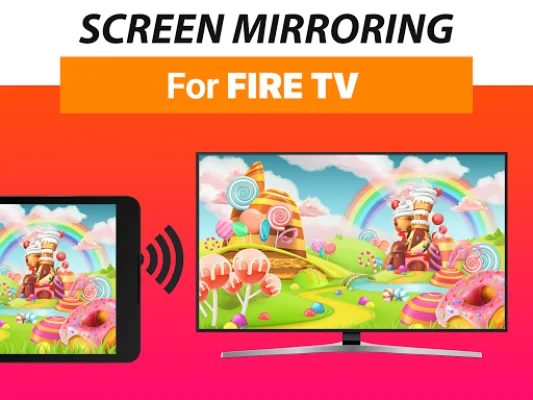
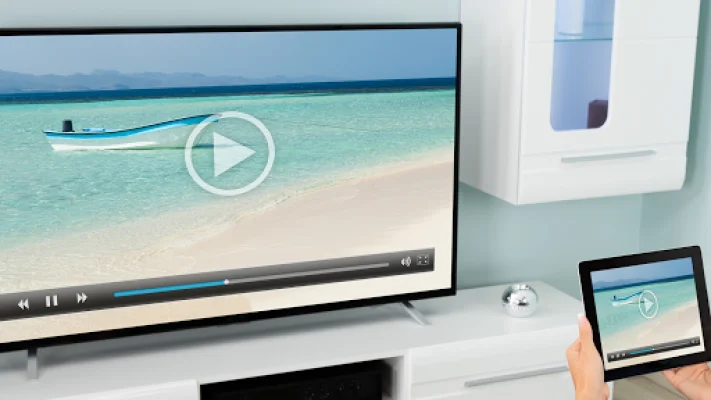
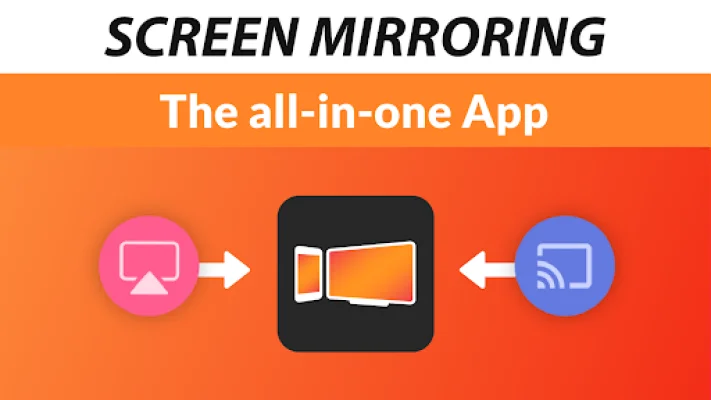
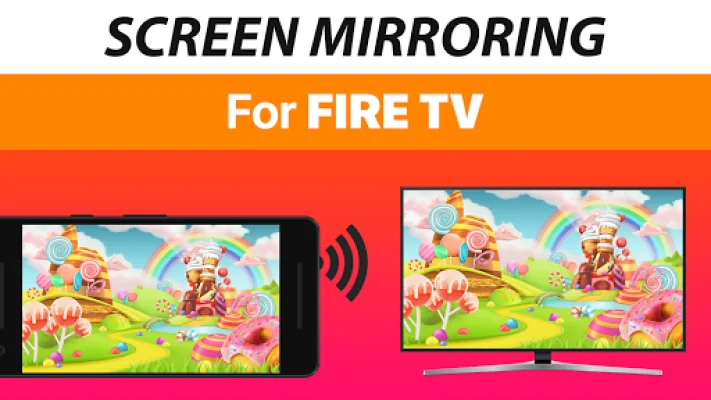
Screen Mirroring is a powerful tool that allows you to share your screen with others. Whether it's photos, videos, games, websites, apps, presentations, or documents, you can easily share them with your friends and family. This app has many advantages over the built-in screen mirroring feature on Fire TV, which is based on Miracast.
One of the biggest advantages of this app is its device support. It works with all Android devices running Android 5.0 or higher, as well as all Fire TV devices, including Sticks, Boxes, and TVs. This means that no matter what device you and your friends or family have, you can still use this app to share your screen.
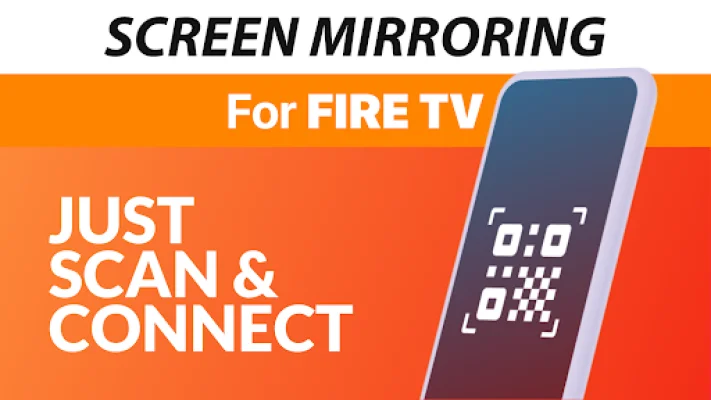
Setting up this app is also incredibly easy and unified across all Android devices. You don't need to change any settings on your Android device or adjust your Wi-Fi options. This makes it a hassle-free experience for users.
For the best performance, it's recommended to use this app with a good Wi-Fi network. This will ensure that your screen sharing is smooth and without any lag. Additionally, sound is supported on Android 10 and above, so you can also share audio along with your screen.
If you encounter any issues or have any feedback, you can easily contact the developers via email at [email protected]. This app is brought to you by the creators of VIDEO & TV CAST, which is the top video casting app in the world with over 100 million downloads on all platforms and devices.
It's important to note that this app is not affiliated with any of the trademarks mentioned. It was also not created or endorsed by Amazon. The developers strive to be original and SEO-oriented in their approach, ensuring a high-quality and user-friendly experience for all users.
Rate the App















Popular Apps









