
Screen mirroring Hisense TV
by NERVE DEVE (0 Reviews) November 26, 2025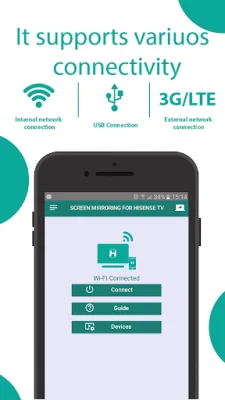
Latest Version
November 26, 2025
NERVE DEVE
Tools
Android
0
Free
com.screen.mirrorr.hisensey
Report a Problem
More About Screen mirroring Hisense TV
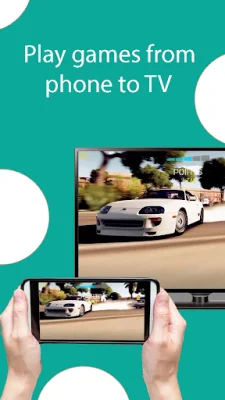
This application is the ultimate solution for casting your phone's screen onto your Hisense TV. With Smart View, you can easily mirror your phone's screen onto a bigger screen, allowing you to share web videos, images, audio, and even live streams. This means you can enjoy any content of your choice on a larger screen, giving you a more immersive viewing experience.
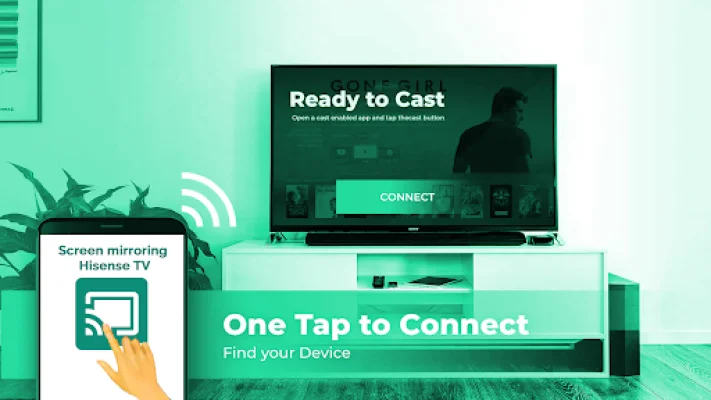
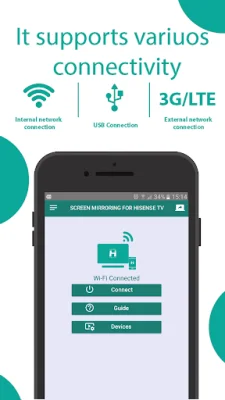
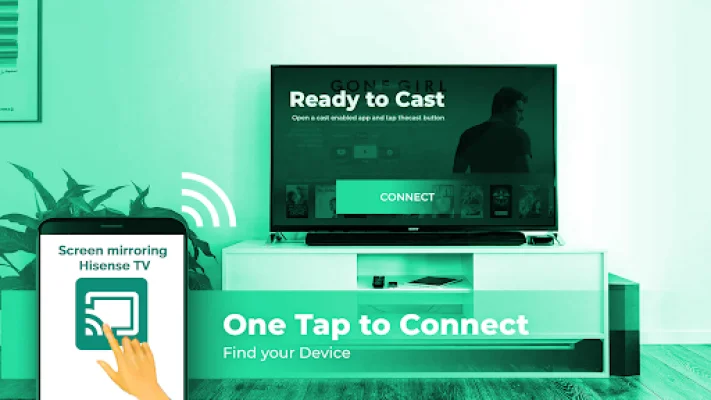
To use this screen mirroring feature, all you need is a Hisense TV and a phone connected to the same Wi-Fi network. Simply turn on the "Miracast Display" option on your TV and the "Wireless Display" option on your phone. Then, click connect and you're all set to enjoy any content on your Hisense TV in stunning 4K Ultra HD quality. This makes it the perfect tool for watching the World Cup or any other event on a bigger screen.
This application is compatible with any device that has a built-in web browser, including popular TV brands like Samsung, LG, Panasonic, Philips, Hitachi, Vizio, and TCL. This means you can easily use it with your existing TV without having to purchase any additional equipment.
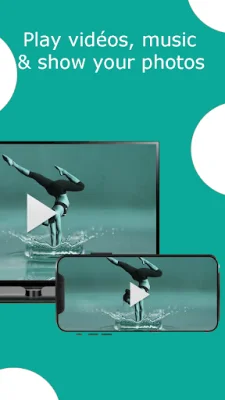
With Hisense Smart TV screen mirror, you can easily share videos, images, audio, and even local online documents from your phone to your TV. It's a user-friendly tool that allows you to connect to Wi-Fi and start broadcasting in just a few simple steps.
Best of all, this screen mirroring feature is completely free to use. If you encounter any issues with your device, our team is always available to assist you. Simply contact us at [email protected] and we will be more than happy to help you out. So why wait? Try out this amazing application and enhance your viewing experience today!
Rate the App










Popular Apps









