Screen Mirroring - Miracast
1.4.1 by InShot Inc. (0 Reviews) July 28, 2024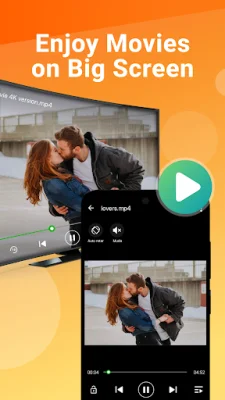
Latest Version
1.4.1
July 28, 2024
InShot Inc.
Tools
Android
0
Free
screen.mirroring.screenmirroring
Report a Problem
More About Screen Mirroring - Miracast
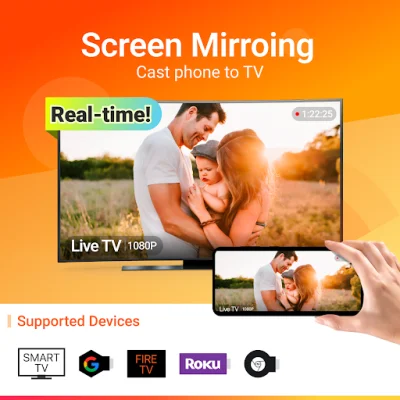
The Cast to TV app allows you to easily cast your phone screen to your TV and share it with your family and friends. This means you can watch your favorite TV shows and movies on a bigger screen instead of straining your eyes on your small phone screen. The app is free and stable, making it a great option for screen sharing.
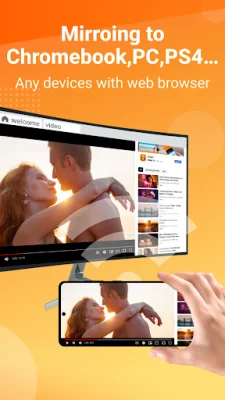
The app supports multiple devices, including most smart TVs, Google Chromecast, Amazon Fire Stick and Fire TV, Roku Stick and Roku TV, and more. This means you can use the app with a variety of devices and enjoy screen sharing on different platforms.
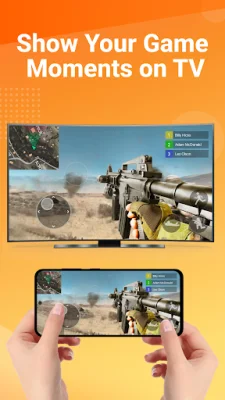
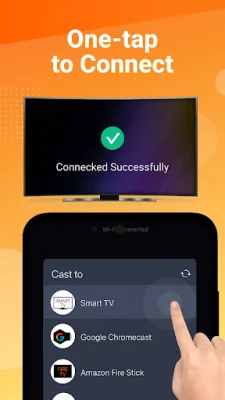
The key features of the app include the ability to cast your smartphone screen to your TV in a stable manner, a simple and fast connection process, and the ability to cast mobile games and live videos from platforms like Twitch, YouTube, and BIGO LIVE. The app also supports all types of media files, such as photos, audios, E-books, and PDFs, making it a versatile option for screen sharing.
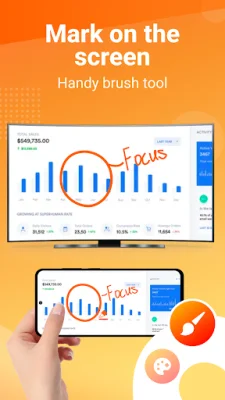
The app also has a neat and clean user interface, providing a good user experience. It allows for real-time screen sharing, making it perfect for demonstrations in meetings or watching travel slideshows with family. The app also supports screen mirroring for presentations and movies, allowing you to share content with others on a bigger screen.
To use the screen mirroring feature, you need to make sure your phone/tablet and smart TV are connected to the same Wi-Fi network. Then, you can enable "Wireless display" on your phone and "Miracast" on your smart TV. After that, you can search and pair the devices to start screen sharing.
The app also allows for easy sharing of presentations and movies with others. You can start a presentation in a business meeting using the Miracast and TV mirror technology, or share movies with friends and family on a bigger screen using the screen mirroring feature.
If you're tired of searching for a free and stable screen sharing app, Screen Mirroring - All Mirror is a great choice. It is based on Miracast TV mirror technology and provides a seamless and enjoyable screen sharing experience. Just make sure your TV and Android device support wireless display and screen mirroring, and that they are connected to the same Wi-Fi network before using the app.
Before starting, it is recommended to turn off any VPN connections to ensure proper device connection. If you have any feedback or questions, you can contact the app developers at [email protected]. Download Screen Mirroring - All Mirror now and enjoy easy and stable screen sharing on your TV!
Rate the App















Popular Apps









