Screen Mirroring - Sharing to
by AIOO inc (0 Reviews) April 08, 2026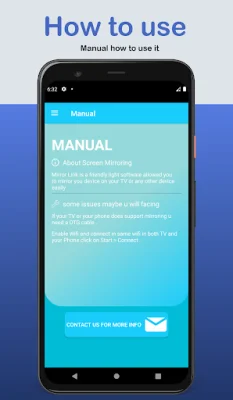
Latest Version
April 08, 2026
AIOO inc
Tools
Android
0
Free
com.AIOOinc.mirroring
Report a Problem
More About Screen Mirroring - Sharing to
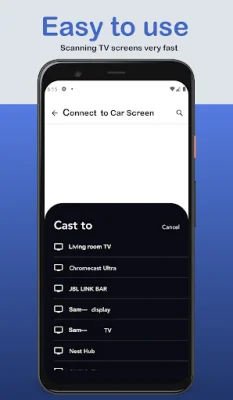
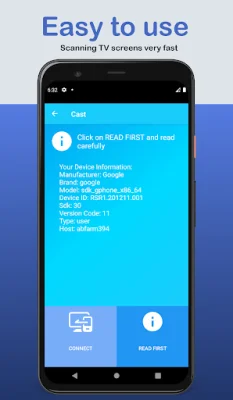
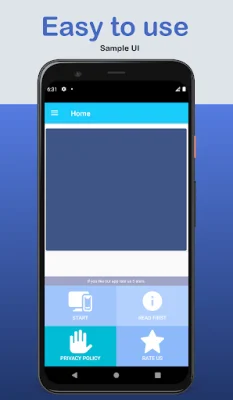
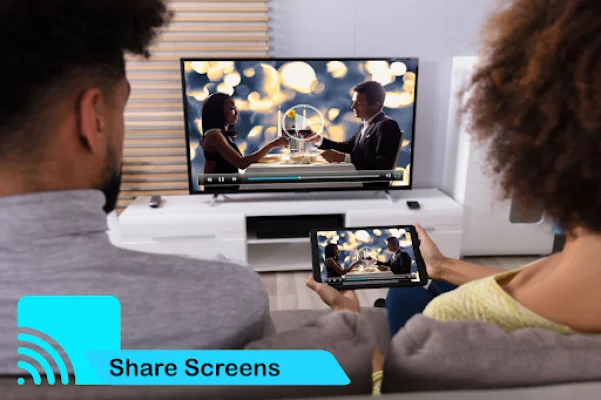
Screen mirroring is a useful tool that allows you to display your phone's screen on a smart TV. In order for this to work, your TV must support Wireless Display and be connected to the same wifi network as your phone. The Screen Mirroring App is a powerful tool that enables you to mirror and broadcast your Android screen and audio in real time. It includes a video and audio player, allowing you to watch popular video and audio formats on your phone or TV when connected through screen mirroring. The Screen Mirroring with TV App makes it easy to scan and mirror your Android phone or tablet's screen on a smart TV or display, as well as wireless dongles or adapters. This means you can play videos, music, and photos from your smartphone on any device, such as a smartphone, smart TV, laptop, or tablet, no matter where you are. With the Screen Mirroring App, you can also share your mobile screen to your TV and cast videos directly onto your TV. The app also includes a feature that allows you to open a window on your smart TV screen from your phone, making it easy to share your second screen wirelessly and connect your phone to dongles on your smart TV. One of the key features of the Screen Mirroring App is its ability to mirror your Android phone or tablet's screen on a smart TV or display using wireless, wifi, or Bluetooth dongles or adapters. This allows you to easily share your phone's screen with others and watch videos using the app's media player. The app also offers a variety of useful features, such as the ability to change resolution and density, enable Bluetooth and Wi-Fi, lock screen orientation, and show desktop sites in Chrome by default. It also integrates with Tasker and allows you to disable device backlight and vibration to save battery while connected. Overall, the Screen Mirroring App is a powerful and convenient tool for mirroring and broadcasting your Android screen and audio in real time. It is compatible with most Android devices and has been tested on various mobiles. If you have enjoyed using this app, don't forget to rate it on the play store.
Rate the App












Popular Apps









