TV Remote control for Sony TV
9.4.55 by osApps (0 Reviews) April 09, 2026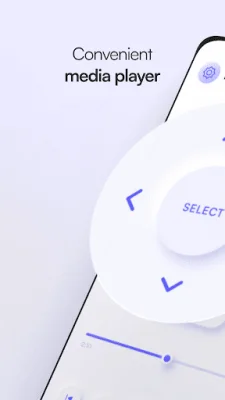
Latest Version
9.4.55
April 09, 2026
osApps
Tools
Android
0
Free
com.osfunapps.remoteforsony
Report a Problem
More About TV Remote control for Sony TV
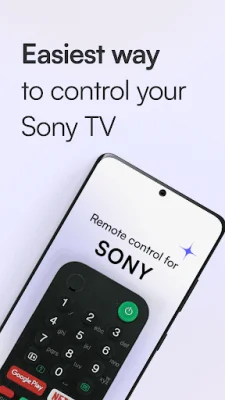
TV Remote for Sony TV is a convenient and free app that allows you to control your Sony TV sets using your Android device. It supports various Sony TV models such as Sony Android TV, Sony Bravia, and Sony Google TV. With this app, you can easily manage multiple Sony TVs in one place.
The app offers a variety of features to enhance your TV viewing experience. You can either scan for nearby Sony TVs connected to the same network or manually add your Sony Bravia, Sony Google TV, or Sony Android TV to the app. This gives you the flexibility to control all your Sony TVs with just one device.
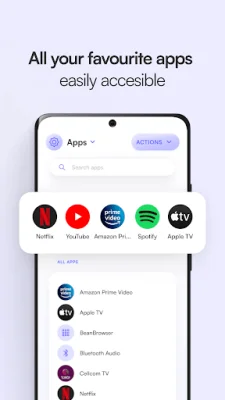
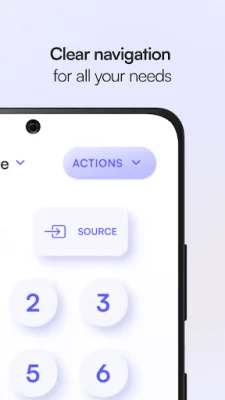
Using the on-screen remote control buttons, you can easily change channels, adjust volume levels, and change input sources on your Sony TV. You can also customize the top strip with your favorite buttons or use the built-in touch area for navigation. Additionally, the app allows you to open and control the applications installed on your Sony TV.
One of the unique features of this app is the Media Navigation section, which lets you control the playing media on your Sony Bravia TV. This is especially useful when you want to pause, play, or skip through media without having to use the physical remote.
What sets this app apart is the option to connect to your Sony TV without a WiFi connection. This means you can still control your TV even if you don't have access to a network. And with all the features available for free, there's no reason not to give this app a try.
To start using TV Remote for Sony TV, simply download it from Google Play and follow the one-time setup instructions. You'll then have complete control over your Sony Google TV, Sony Android TV, or Sony Bravia right from your Android device. And if you encounter any issues or have suggestions for improvement, the app developers are open to feedback. So why not give it a try and see how it can enhance your TV viewing experience?
Rate the App



Popular Apps









