
Screen Mirroring - TV and PC
by Sanxview (0 Reviews) April 19, 2026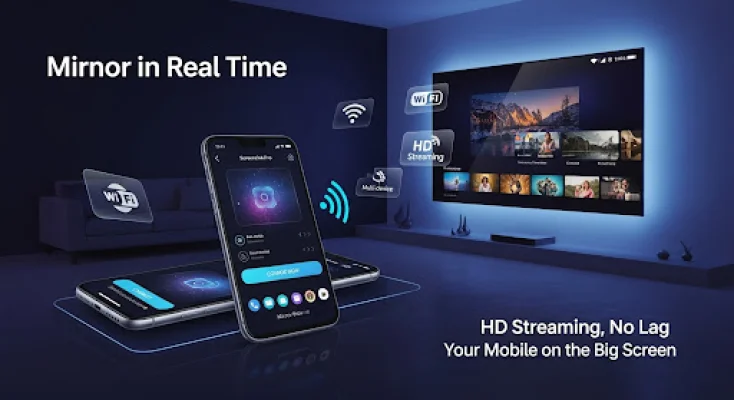
Latest Version
April 19, 2026
Sanxview
Tools
Android
0
Free
com.sabbir.tvcast
Report a Problem
More About Screen Mirroring - TV and PC
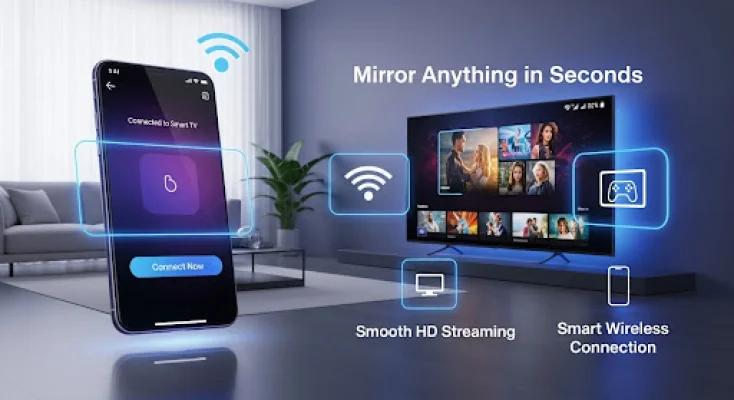
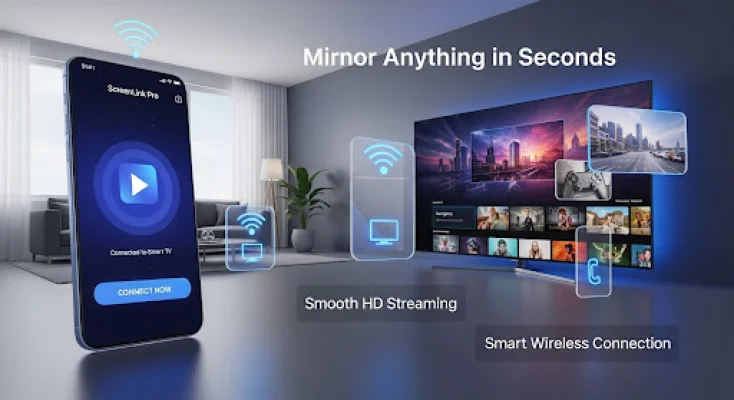
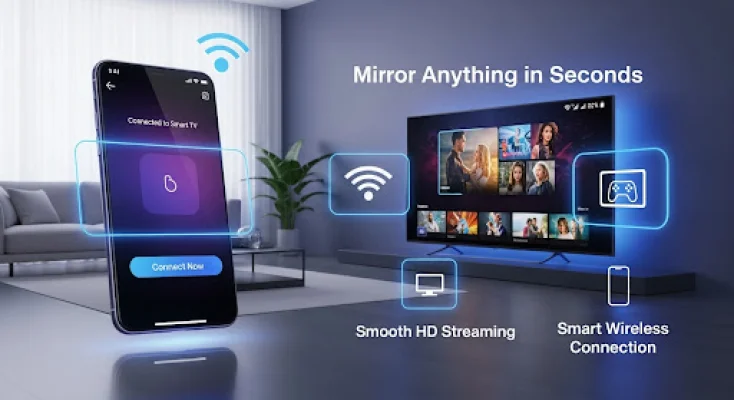
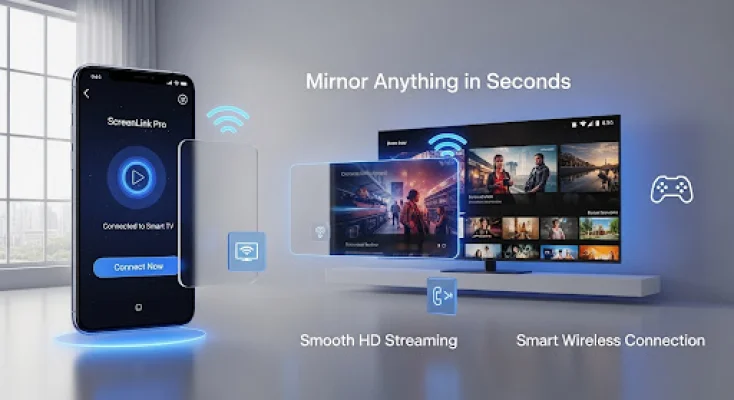
Transform your TV into a smart display with Screen Mirroring - TV and PC! This app allows you to easily share photos, videos, and games from your phone to any TV or PC wirelessly. With just three simple steps, you can connect your phone and TV to the same WiFi network, open a browser on your TV or PC, and tap start to enjoy the content on a larger screen.
One of the key features of this app is its wireless screen mirroring capability, eliminating the need for any cables. It also offers crystal clear 1080p display quality, real-time mirroring with zero lag for gaming, and audio support for perfect sound synchronization. The setup process is quick and easy, taking only 30 seconds to get started.
This app is perfect for a variety of uses, such as watching movies and YouTube on a bigger screen, playing mobile games on a TV, sharing photos with family, and even for business presentations. It works with all Android phones and tablets, smart TVs with a browser, and PC/Mac computers. It can also be used with any device that has a web browser.
Screen Mirroring - TV and PC stands out from other similar apps with its fast setup time, secure and private connection, stable performance with no connection drops, and free core features. It has also received top ratings from users.
The best part about this app is that it requires no extra hardware, just a WiFi connection. There is no need for dongles or special devices, making it a convenient and cost-effective option. However, it is important to note that this app is independent and not affiliated with any TV brands or streaming providers. Users are responsible for respecting copyright laws and DRM restrictions.
Rate the App











Popular Apps









