
Screen Mirroring with All TV
2.3 by i6 Games (0 Reviews) December 06, 2025
Latest Version
2.3
December 06, 2025
i6 Games
Tools
Android
0
Free
com.jn.screenmirroring.screencast
Report a Problem
More About Screen Mirroring with All TV
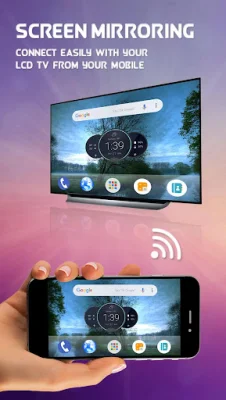
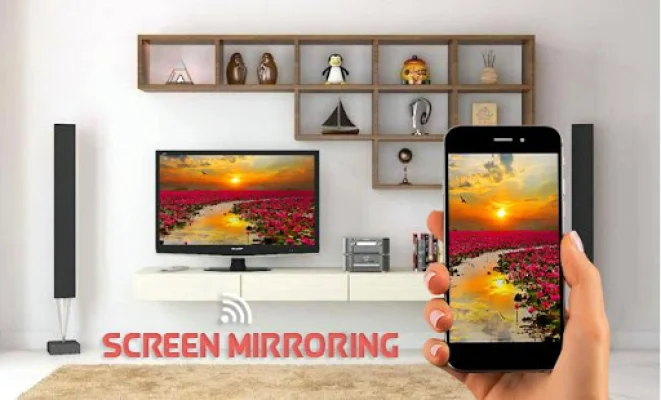
If you're tired of squinting at your small phone screen, this app offers a solution by allowing you to connect your phone to your TV for a bigger and better viewing experience. Whether you're watching shows with your family or in a group, the small screen just won't cut it. By connecting your Android phone to your TV, you can enjoy your content on a larger screen. However, your Smart TV must support wireless display in order to use the screen mirroring feature. Additionally, your TV and phone must be connected to the same wireless network for the mirroring to work.
The Screen Mirroring app allows you to mirror your entire mobile screen to your smart TV without any lag or buffering. This means you can easily play videos, music, and photos from your phone on your TV. The process of sharing your screen with your TV is made simple with this app. Plus, the app ensures a secure connection between your phone and TV to protect your data, files, and applications.
Not only can you use this app to play videos and music on your TV, but it also has other useful features. For example, you can use it for presentations or to play games on your TV screen. This makes it a versatile and convenient tool for all your screen mirroring needs.
To use this app, your TV must support wireless display or have a display dongle. It must also be connected to the same wifi network as your phone. Once you've downloaded and opened the Screen Mirroring With All TV app, you can start enjoying the benefits of screen mirroring. Say goodbye to squinting at your small phone screen and hello to a bigger and better viewing experience with this app.
Rate the App














Popular Apps









