
SD Card File Manager by GoSw
by GoSw Digital Ltd (0 Reviews) April 14, 2026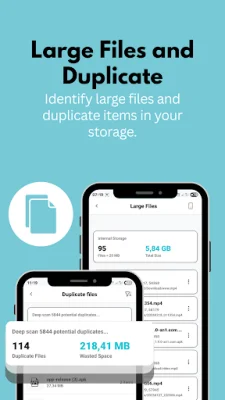
Latest Version
April 14, 2026
GoSw Digital Ltd
Tools
Android
0
Free
com.gosw.sdfile.manager
Report a Problem
More About SD Card File Manager by GoSw
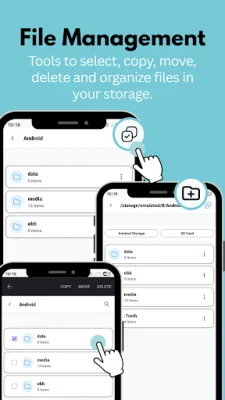
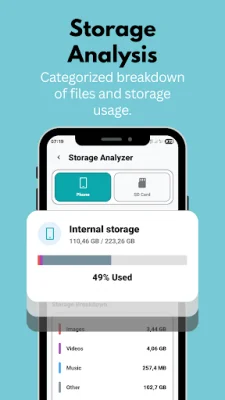
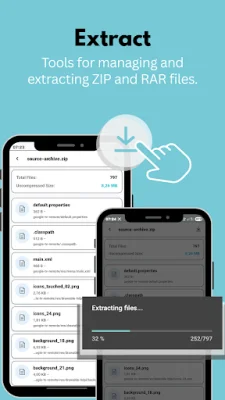
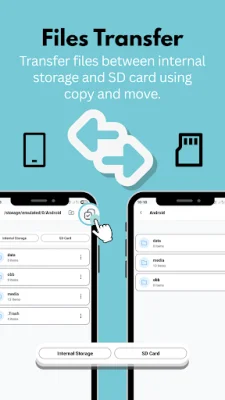
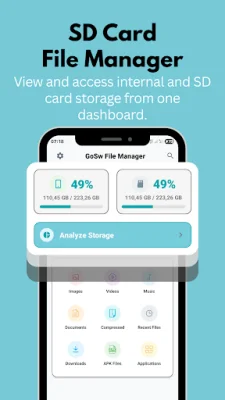
SD Card File Manager is an application that allows you to easily manage and organize your files on your phone. With this app, you can browse, read, search, and create folders, as well as copy, move, rename, share, and delete files. It offers a variety of key features, including a media manager for viewing photos, videos, and playing music, an app and APK manager for browsing and managing installed applications, and an analyze storage feature to help you keep track of your storage usage. One of the main features of SD Card File Manager is its file browsing capability, which allows you to access folders and files on both your internal memory and SD card. You can also use the app to organize your images, ringtones, video clips, documents, and zipped files. It is compatible with various memory card capacities and offers search and filter options to help you easily find specific files. You can also view file details such as format, size, location, and last modified date, and display thumbnails for images and videos for easier recognition. In addition to these features, SD Card File Manager also offers specialized tools for managing specific types of files. The image manager allows you to browse, manage, and share your photo album, while the video manager offers a simple control interface for watching videos. The audio manager lets you listen to your music files, and the application manager allows you to browse and uninstall installed apps. At GoSw, we are committed to providing a secure file management experience for our users. We value your feedback and suggestions, as they help us improve and enhance future updates. Thank you for choosing SD Card File Manager, and we hope you enjoy using our app!
Rate the App














Popular Apps









