

Signal Detector
by Anggrayudi (0 Reviews) October 06, 2024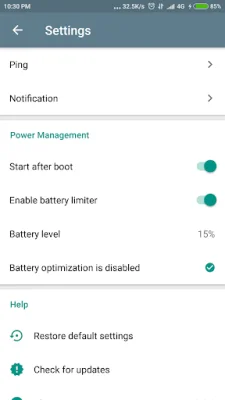
Latest Version
October 06, 2024
Anggrayudi
Tools
Android
0
Free
com.anggrayudi.ping
Report a Problem
More About Signal Detector
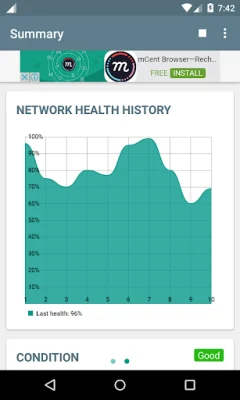
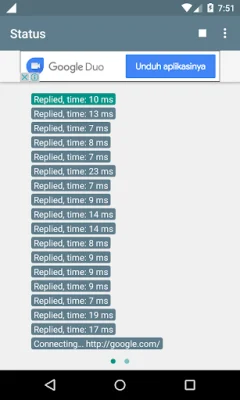
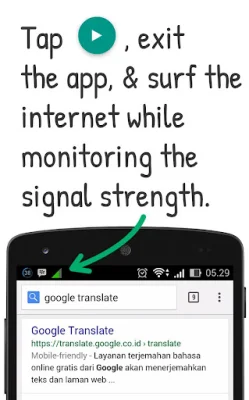
Signal Detector is a useful application for online gamers that helps to improve and stabilize their internet connection. By running Signal Detector, users can experience a stronger and more stable internet connection while playing online games. To ensure that the app runs smoothly, users are advised to add an exception for Signal Detector in their battery optimization settings. This can be done by going to Settings, opening the battery optimization settings, selecting "All apps", and then choosing Signal Detector and selecting "Don't optimize". It is also important to only install the app through the Play Store, as installing it through other media may cause the app to crash. One of the main features of Signal Detector is its ability to prevent idle connections. Some internet service providers have a system in place that recycles connections, which can cause disruptions and disconnections for users. Signal Detector can prevent this from happening, ensuring a smoother internet experience. Another useful feature of Signal Detector is its ability to show users their network condition. This eliminates the need for users to use chat apps to ping their friends and check their network status, which can be disruptive. By simply tapping start, users can see their network condition on the notification bar. This is especially important before downloading files, as it is not recommended to download files when the network status is bad. Signal Detector also offers tips and tricks for users, such as running the app while downloading files to prevent interruptions and saving battery power. Users can also request for the app to be translated into their language through the "Add Translation" menu. It is important to note that if Signal Detector is unable to prevent internet connection issues, users should not leave a negative comment. Instead, they should check their internet cable and modem, as there may be an issue with those. If the problem cannot be resolved, users can contact their ISP's customer service. Suggestions for new features can be sent through email.
Rate the App














Popular Apps









