

Simple File Manager Pro
6.16.1 by Simple Mobile Tool (0 Reviews) July 25, 2024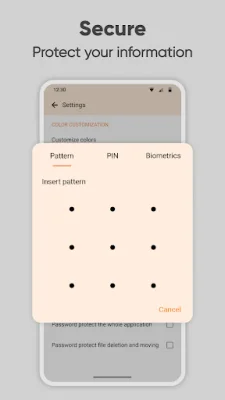
Latest Version
6.16.1
July 25, 2024
Simple Mobile Tool
Tools
Android
0
$1.19
com.simplemobiletools.filemanager.pro
Report a Problem
More About Simple File Manager Pro
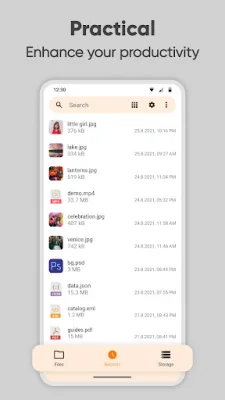
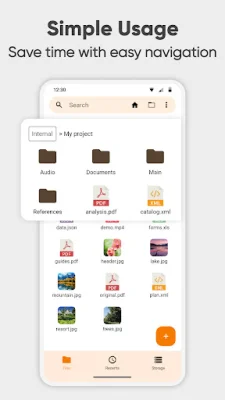
The file manager is a comprehensive tool that allows you to manage all of your files on your mobile device. It includes a variety of features such as search, navigation, copy and paste, cut, delete, rename, decompress, transfer, download, and organization. You can easily add, remove, or edit files, folders, and apps according to your personal preferences.
This file manager makes it easy to organize and sort your files by various metrics and toggle between ascending and descending order. You can also quickly access file and folder paths by long-pressing and copying them to the clipboard.
With Simple File Manager, you can save time and energy by easily organizing your mobile files, folders, and apps. You can also check file and folder properties, such as size, date of last modification, and EXIF values for photos.
This file organizer is highly secure, with features such as password protection for hidden items, deleting or opening the entire app, and the option to use a pattern, pin, or biometric lock for added privacy. It does not require internet access, ensuring your data remains private.
In addition to managing files, Simple File Manager can also help clean up space on your device by compressing files and folders. It supports fast browsing of root files, SD cards, and USB devices, and recognizes various file formats including music, videos, images, and documents.
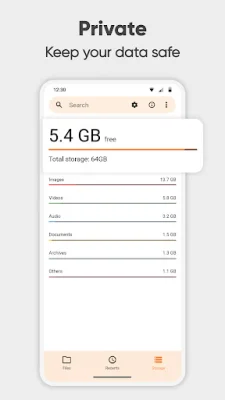
You can also create desktop shortcuts for quick access to your favorite items and use the built-in file editor for tasks such as printing, editing, and reading documents. Despite its name, Simple File Manager offers a range of features to help you manage and customize your files, folders, and apps with ease. It also provides a storage analysis feature to help you see which files are taking up the most space and clean it up.
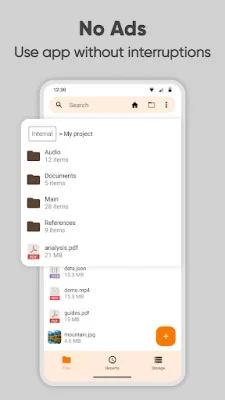
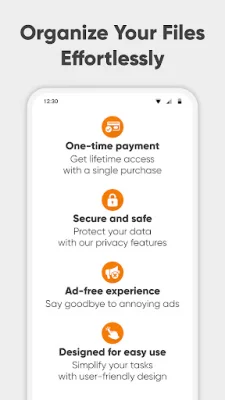
Simple File Manager has a modern design and offers a dark theme for a great user experience. It does not require internet access, providing added privacy, security, and stability. The app contains no ads or unnecessary permissions and is fully open-source, with customizable colors. Check out the full suite of Simple Tools on their website and connect with them on social media for updates and support.
Rate the App















Popular Apps









