Smart Remote For Roku
1.1.12 by Fortex Solutions (0 Reviews) July 29, 2024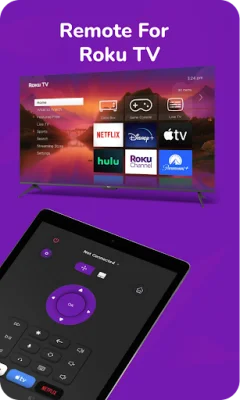
Latest Version
1.1.12
July 29, 2024
Fortex Solutions
Tools
Android
0
Free
com.fortexsolutions.roku
Report a Problem
More About Smart Remote For Roku
TV Remote is an application that makes controlling your Roku devices and TVs easier than ever. With its automatic detection feature, it can easily find and connect to any Roku dongles or TVs on the same WIFI network. This means you won't have to manually search for and connect to your devices, saving you time and effort.
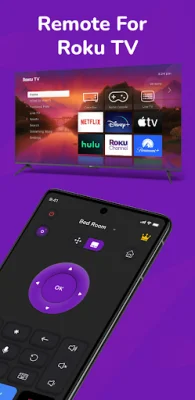
The app is compatible with all Roku TV devices, including popular models like Roku 1, Roku 2, Roku 3, and more. This makes it a universal solution for controlling your Roku devices, regardless of the model you own.
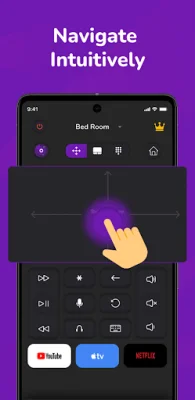
One of the standout features of TV Remote is its touchpad navigation. The app has a large touchpad that allows for effortless menu and content navigation. This means you can easily scroll through menus, select options, and control playback with just a few swipes and taps.
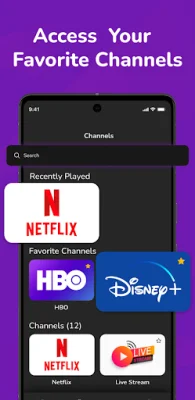
Another convenient feature is the ability to directly launch channels from the app. This means you won't have to go through multiple menus to find and open your favorite channels. With just a few taps, you can launch the channel you want to watch.
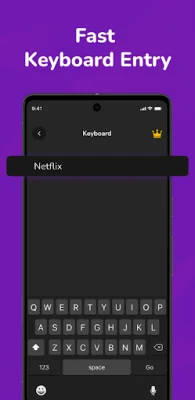
Typing on your TV can be a hassle, but TV Remote simplifies this with its fast keyboard input. The app has a quick and straightforward keyboard that makes typing on your TV a breeze. This is especially useful for searching for content or entering login information for streaming services.
The app also offers a subscription for access to premium features. It's important to note that the current subscription cannot be canceled and any unused portions of a free trial period will be forfeited upon subscription purchase. The subscription will also automatically renew unless turned off at least 24 hours before the end of the current period. However, you can manage your subscriptions and disable auto-renewal in your Account Settings after purchase.
TV Remote is not affiliated with Roku, Inc. and is not an official Roku product. However, it supports all Roku models and TVs from popular brands like onn, TCL, Philips, and Hisense. It's important to note that some apps, like YouTube and Hulu+, have their own on-screen keyboards and may not accept input from the iOS keyboard.
Overall, TV Remote offers a convenient and efficient way to control your Roku devices and TVs. With its touchpad navigation, channel launch feature, and fast keyboard input, it enhances your TV experience. Try it today and discover a new level of TV control and convenience.
Rate the App















Popular Apps









