Smart Switch - Phone Clone App
2.1.4.4 by Seven Sky Solution (0 Reviews) November 05, 2025
Latest Version
2.1.4.4
November 05, 2025
Seven Sky Solution
Tools
Android
0
Free
com.phone.clone.transferall.data.smartswitch
Report a Problem
More About Smart Switch - Phone Clone App
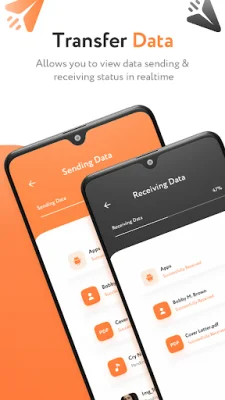
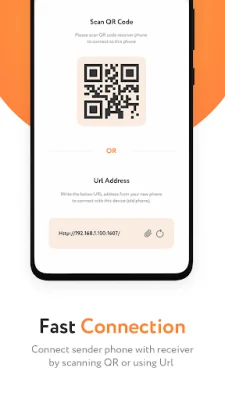
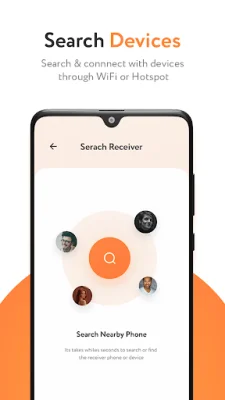
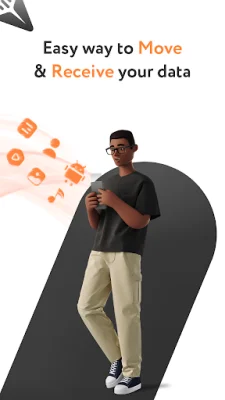
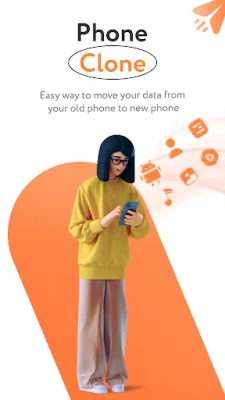
Phone Clone is an application that allows users to easily transfer all of their data from one phone to another. This includes files, folders, and apps. With this app, users can quickly and securely transfer their data using the smart switch feature. This means that no matter how large the files are or what type they are, the transfer will be fast and efficient. One of the key features of Phone Clone is the content transfer option. This allows users to easily share and send data to any other device. The app also has a phone replication feature, which automatically transfers all of the user's content from their old phone to their new one. This makes the process of switching to a new phone seamless and hassle-free. The app also offers a secure connection between devices, ensuring that all data is protected and not at risk of theft. Users can connect with nearby devices by scanning a QR code or manually entering an IP address. This makes it easy to transfer data from one Android device to another. Phone Clone also allows users to manage their transferred data easily. The app stores the data in the same directory as it was in the old device, making it easy for users to access and organize their files. This feature is especially useful for those who have a lot of data to transfer. In addition to its efficient data transfer capabilities, Phone Clone also offers a variety of features such as the ability to copy individual files or folders, and the option to securely connect with other devices. The app also requires certain permissions, such as location and storage access, in order to function properly. Overall, Phone Clone is a reliable and user-friendly app that makes transferring data from one phone to another a breeze. Its fast transfer speeds, secure connection, and easy management features make it a must-have for anyone who frequently switches between devices or needs to transfer large amounts of data.
Rate the App











Popular Apps









