Smart Switch Transfer File App
1.61 by Daily Utility Apps (0 Reviews) August 03, 2024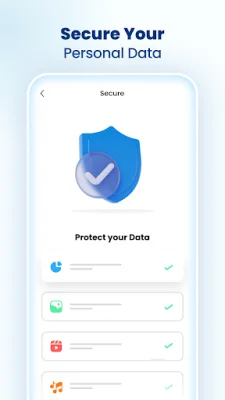
Latest Version
1.61
August 03, 2024
Daily Utility Apps
Tools
Android
0
Free
com.transfer.files.transfer.apps.share.app
Report a Problem
More About Smart Switch Transfer File App
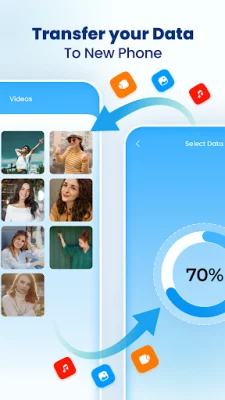
Smart Switch is an application that aims to make file transfer easy and hassle-free for users. It is available on the Google Play Store and is considered the best among other data transfer apps. This is due to its quick sharing capabilities, secure file sharing, and fast transfer speeds. With Smart Switch, users can transfer files anywhere and at any time, with minimum data sharing time.
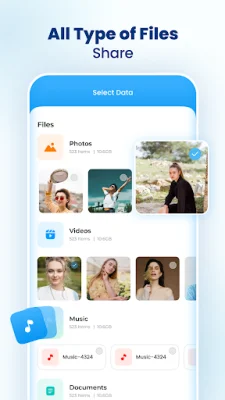
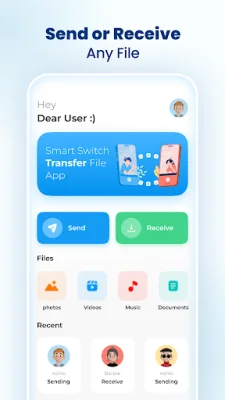
The app offers a variety of features, including the ability to share files within minutes, send or receive any type of file, and even clone a phone's data to a new device. This includes audio, video, documents, apps, and games. Smart Switch is not just limited to transferring data between phones, but also allows for data transfer between any two devices.
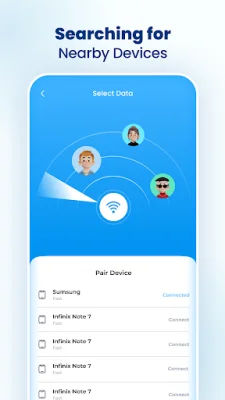
Using Smart Switch is simple and convenient. Users can establish a connection between two devices through Bluetooth or Wi-Fi direct, and then easily transfer files. The estimated time for connecting two devices is between 5 to 10 seconds, making it a quick and efficient process. Once the connection is established, users can easily share any type of data with the receiver.
The developers of Smart Switch prioritized security while creating the app. It ensures that all data transfers are fully secure, and users can send any type of file without any restrictions. This makes it a reliable option for transferring private and confidential data.
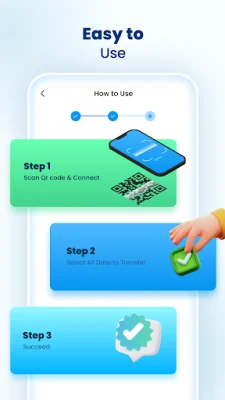
To use Smart Switch, simply open the app and tap on the "transfer" button. This will take you to the internal storage of your phone, where you can select the files you want to transfer. Both devices should be connected to Wi-Fi for the transfer to take place. The app also provides instructions for beginners, making it easy for anyone to use.
Overall, Smart Switch is a convenient and efficient app for transferring data between devices. Its quick sharing capabilities, secure file sharing, and easy-to-use interface make it a top choice for users looking to transfer files quickly and securely.
Rate the App















Popular Apps









