
Speech Recognition & Synthesis
googletts.google-speech-apk_20240624.00_p1.647351928 by Google LLC (0 Reviews) July 26, 2024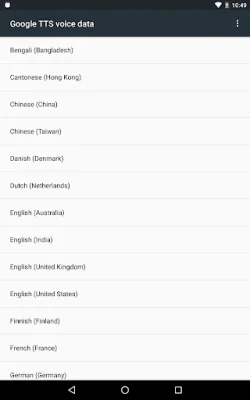
Latest Version
googletts.google-speech-apk_20240624.00_p1.647351928
July 26, 2024
Google LLC
Tools
Android
0
Free
com.google.android.tts
Report a Problem
More About Speech Recognition & Synthesis
Speech Recognition is a powerful tool that allows you to convert your spoken words into text. This feature is available on Google and other third-party apps, making it easier for you to use your voice to search for places on Google Maps, transcribe recordings on your device, and even get real-time transcriptions of your calls through the Phone App Call Screen feature. It is also useful for accessibility apps like Voice Access, which allows you to operate your device through voice commands. Additionally, it can be used with dictation or keyboard apps to quickly compose text messages through voice, and with language learning apps to practice speaking a new language.
To use Speech Recognition on your Android device, simply go to Settings > Apps & notifications > Default apps > Assist App and select Speech Recognition and Synthesis from Google as your preferred voice input engine. This will enable you to use this feature on various apps on your device.
Google Text-to-Speech is another useful functionality that allows applications to read text on your screen aloud. This feature can be used with Google Play Books to have your favorite book read aloud, with Google Translate to hear the pronunciation of translated words, and with Talkback and other accessibility apps for spoken feedback across your device. It is also available on many other apps in the Play Store.
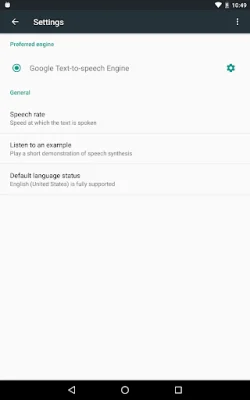
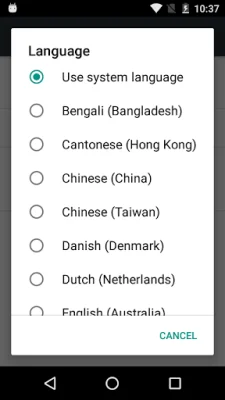
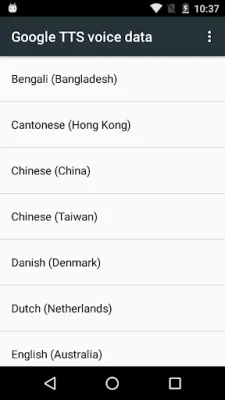
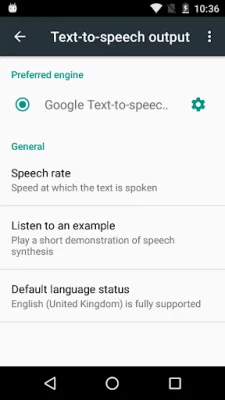
To use Google Text-to-Speech on your Android device, go to Settings > Languages & Input > Text-to-Speech output and select Speech Recognition and Synthesis from Google as your preferred engine. This will enable you to use this feature on various apps on your device.
It is worth noting that Speech Recognition and Synthesis from Google is already available on many Android devices, but you can update to the latest version for the best experience. With these powerful speech-to-text and text-to-speech functionalities, using your voice to interact with your device and various apps has never been easier.
Rate the App















Popular Apps









