

Super File Manager Explorer
1.5.0.1 by ESTRONGS LIMITED (0 Reviews) November 07, 2025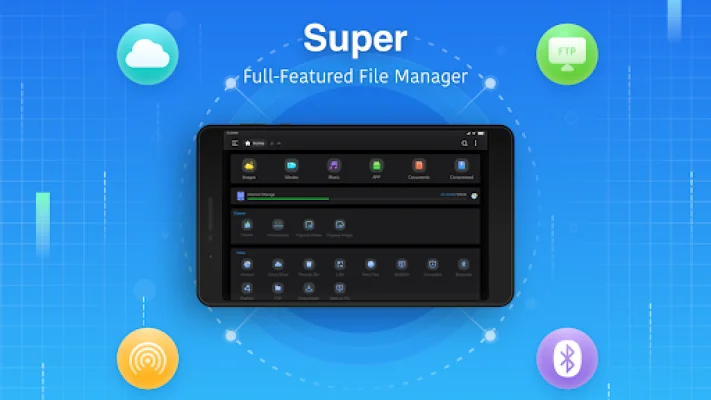
Latest Version
1.5.0.1
November 07, 2025
ESTRONGS LIMITED
Tools
Android
0
Free
com.esuper.file.explorer
Report a Problem
More About Super File Manager Explorer
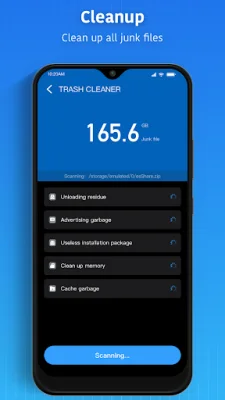
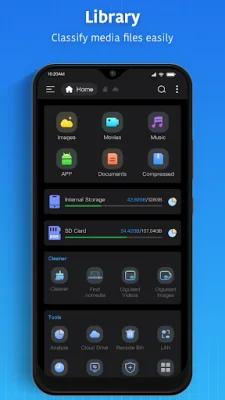
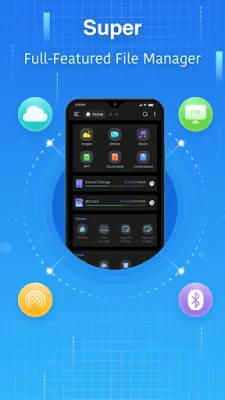
Super File Manager is an all-in-one file navigator and controller application that offers a variety of features and benefits to its users. One of its main features is the shortcut bar, which supports all file operations, making it easy and convenient to manage files. Additionally, the application includes a cleaner that allows users to easily clean up junk files with just one click, freeing up space on their devices.
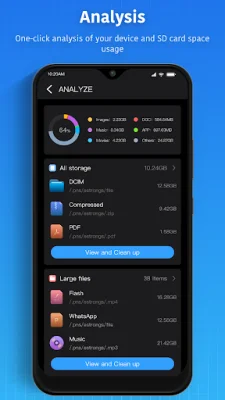
The disk analysis feature is another useful tool that allows users to analyze their space usage, identify large files, and organize files by categories, recent usage, and folder sizes. This helps users better understand their storage and manage it more efficiently. The application also offers local and network management, allowing users to manage files on their mobile devices and local area network computers. It supports various protocols such as SMB2.0, NAS, NFS, CIFS, ftp, HTTP, FTPS, SFTP, and WebDAV, making it easy to access and manage files from different sources.
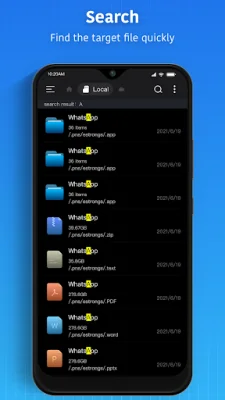
In addition to local files, Super File Manager also allows users to search and view files on the web. This feature is especially useful for those who store files on cloud storage services such as Google Drive, Dropbox, OneDrive, Yandex, Box, Mega, and NextCloud. The application also offers easy installation, uninstallation, and backup of applications, making it a convenient tool for managing apps on your device.
Super File Manager also supports compression and decompression of files in various formats such as Zip, Rar, 7zip, and obb. It also offers multiple file selection operations, thumbnail display, and multiple viewing modes for added convenience. The application also has perfect streaming capabilities, allowing users to directly play music and movies from network devices.
For added convenience, Super File Manager offers USB OTG support, allowing users to manage all formats of USB memory, including FAT32, exFat, and NTFS. The application also supports multiple languages, making it accessible to users from different regions. And if users have any suggestions or feedback, they can easily contact the developers through the provided email address. The application also has a privacy policy and terms of use, ensuring the safety and security of user data. Overall, Super File Manager is a comprehensive and user-friendly application that offers a wide range of features to help users efficiently manage their files and storage.
Rate the App















Popular Apps









