

Sync for iCloud Calendar
13.4.14 by iomt (0 Reviews) July 27, 2024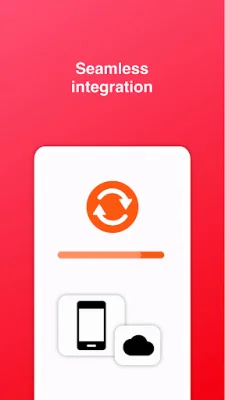
Latest Version
13.4.14
July 27, 2024
iomt
Tools
Android
0
Free
com.granita.caldavsync
Report a Problem
More About Sync for iCloud Calendar
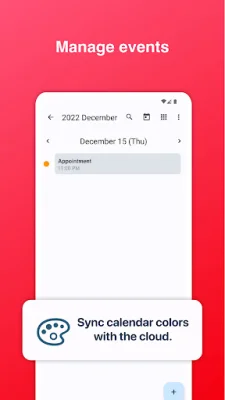
This application offers a variety of features to help you manage your events and stay organized. One of its main features is the built-in calendar manager, which allows you to easily keep track of all your upcoming events. The app also offers 2-way synchronization, meaning that any changes made on your device will be reflected on your iCloud calendar and vice versa.
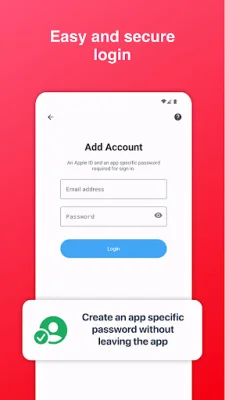
One of the key benefits of this app is its direct connection to iCloud servers. This means that no third-party servers are involved in the synchronization process, ensuring the security and privacy of your data. The app also provides a tutorial for logging in with 2-step verification, adding an extra layer of protection to your account.
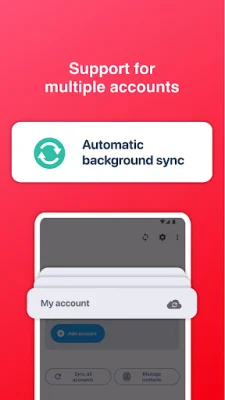
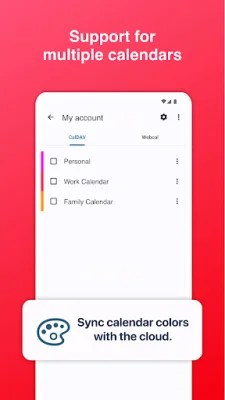
For added convenience, the app allows you to generate app-specific passwords without having to leave the app. This makes it easier to manage multiple accounts and calendars, as the app supports the use of default calendars and the creation of new calendars within the app itself.
The setup process for this app is quick and simple, requiring only a few steps to get started. Once set up, your calendars will be synced to your default calendar on your phone or tablet, making it easy to access and manage your events on the go.
When it comes to data safety, this app takes all necessary precautions to protect your information. All data is transferred directly between your device and Apple servers, and the app does not have access to your username or password. This ensures that your personal information remains secure and confidential.
In summary, this application offers a user-friendly and secure way to manage your events and calendars. With its direct connection to iCloud servers, multiple account and calendar support, and easy setup process, it is a convenient and reliable tool for staying organized. So why wait? Download the app now and start managing your events with ease!
Rate the App















Popular Apps









