

Tally counter - click counter
by Korop Apps (0 Reviews) April 06, 2026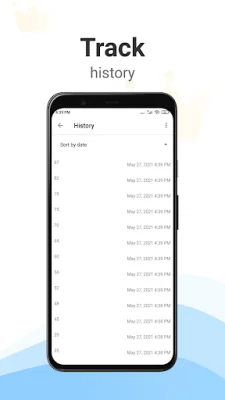
Latest Version
April 06, 2026
Korop Apps
Tools
Android
0
Free
com.yaroslavgorbachh.counter
Report a Problem
More About Tally counter - click counter
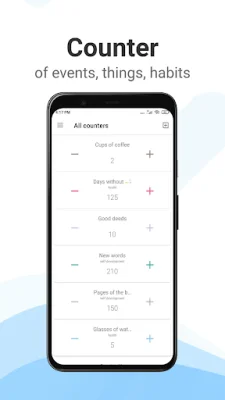
The counter app is a versatile tool that can be used in a variety of situations. It allows you to keep track of daily activities such as the number of glasses of water you drink or the pages you read in a book. It can also be used for more serious tasks like traffic analysis, inventory management, or counting attendance at events. The app can even be used for religious purposes, replacing traditional prayer beads.
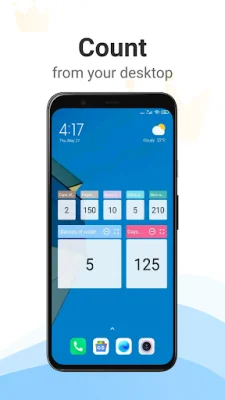
One of the key features of the counter app is its unlimited counters. This means you can create as many counters as you need for different activities. The app also offers resizable widgets, making it easy to access and use on your device. Additionally, the app has a backup and restore feature, ensuring that you never lose your counters.
The app also offers a variety of customization options. You can choose the color of your counters and even count using the volume buttons on your device. The app also has a dark theme option for those who prefer a darker interface. You can also set parameters for your counters, such as the step size and maximum and minimum values.
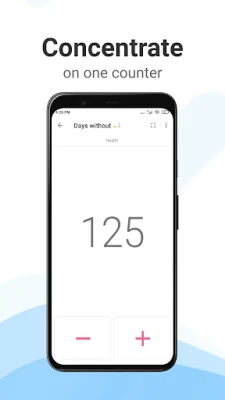
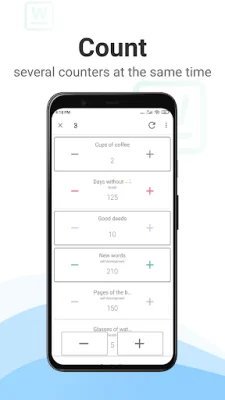
The counter app also offers convenient features such as cool feedback on clicks, counter value history, and the ability to sort counters manually. You can also count multiple counters at the same time and sort them by group. For faster counting, there is a fast count mode that can be activated by pressing and holding the count button.
The app also provides detailed information about each counter, including the date it was created, last reset, and maximum value. With many app settings available, you can customize the app to suit your needs. The modern material design of the app makes it visually appealing and easy to use.
Whether you're using the counter app for fun or for more serious tasks, you can trust that you will never lose count again. With its versatile features and customizable options, the app is a useful tool for anyone looking to keep track of various activities. So why not give it a try and see how it can make counting easier and more efficient for you?
Rate the App















Popular Apps









