

Tap to Pay Ready
25.06.01 by Visa Inc (0 Reviews) November 07, 2025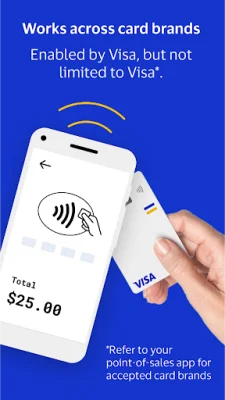
Latest Version
25.06.01
November 07, 2025
Visa Inc
Finance
Android
0
Free
com.visa.kic.app.kernel
Report a Problem
More About Tap to Pay Ready
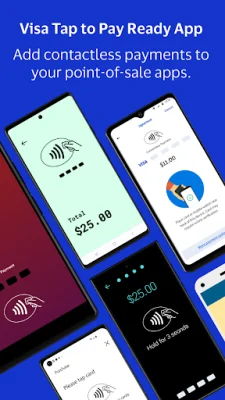
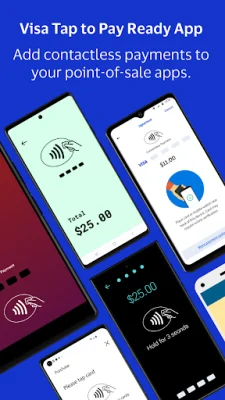
Tap to Pay Ready is a mobile application that allows eligible users to accept contactless payments on their Android device. It is not a standalone point-of-sale app, so it must be used in conjunction with a pre-existing payment acceptance app. Users must first check with their current app to see if they are eligible to use Tap to Pay Ready for contactless payments.
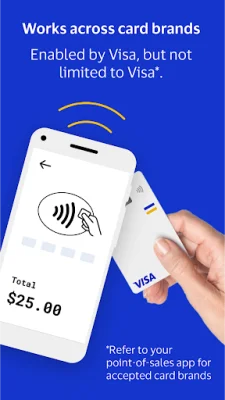
Once downloaded, Tap to Pay Ready allows users to accept contactless payments from any card brand that their point-of-sale app accepts. This provides a secure and convenient way for customers to pay without the need for additional hardware or technical setup.
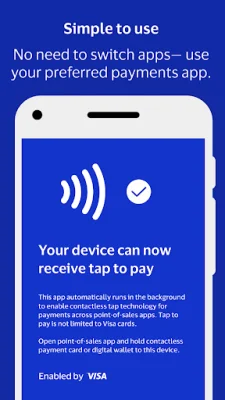
The app works seamlessly with the user's point-of-sale app, eliminating the need to open or switch to Tap to Pay Ready to accept a payment. The process is simple: start the checkout process using the preferred app, and when the customer is ready to pay, they can simply tap their contactless card or mobile wallet to the Android device. Tap to Pay Ready will automatically open to accept the payment and then close until the next transaction.
Tap to Pay Ready is developed and controlled by Visa, Inc. and is fully secure, meeting PCI standards. Users should have received instructions from their point-of-sale app on how to download and use Tap to Pay Ready. It is important to note that a stable internet connection is required to process payments. Customers paying with a contactless card should tap the Contactless Indicator on their card to the back of the Android device, while those using a mobile wallet or smartwatch should hold their device to the back of the device for proper payment capture. It is recommended to keep auto-updates on to avoid any interruptions while taking a payment.
Rate the App














Popular Apps









