
Tasker
6.3.13 by joaomgcd (0 Reviews) July 25, 2024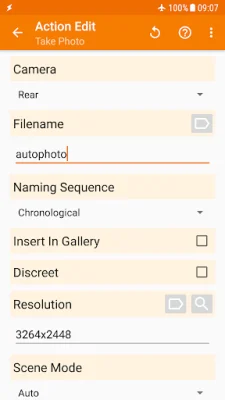
Latest Version
6.3.13
July 25, 2024
joaomgcd
Tools
Android
0
$3.49
net.dinglisch.android.taskerm
Report a Problem
More About Tasker
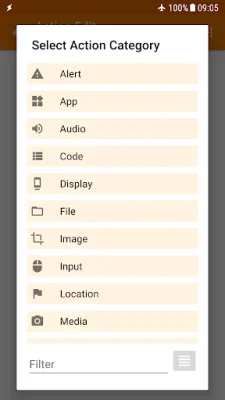
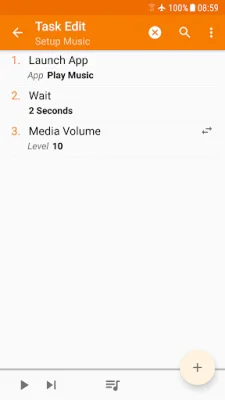
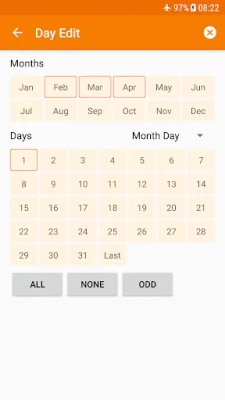
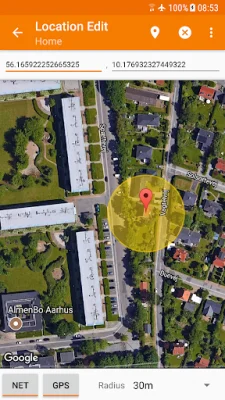
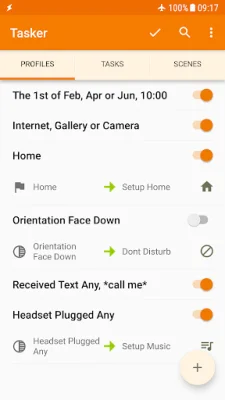
Tasker is a powerful automation app that allows you to customize your phone in countless ways. With over 130 states and events to choose from, you can create automations based on your location, Wi-Fi network, received calls or texts, and even the currently playing song. The app also offers 350+ actions that allow you to control various aspects of your phone, such as sending SMS, changing system settings, and opening apps. And the best part? Root is not required for most functions, making it accessible to all users.
In addition to automations and actions, Tasker also offers automatic file backups to keep your important files safe. You can choose to back up to your device, SD card, USB key, or even Google Drive. The app also has the ability to download and install APKs directly, making it easy to keep your apps up to date.
Tasker also offers a variety of triggers, such as launcher shortcuts, widgets, and even the Bixby button, to manually activate your actions. And with the addition of Join, you can even trigger tasks from another Android device or PC. The app also allows you to design your own user interface and create standalone apps to share or sell.
For developers, Tasker offers a developer-friendly environment with the ability to perform actions in other apps and call Web APIs. The app also offers a 7-day trial and a one-time payment to unlock all features. And for support, there are useful links to privacy policy, starter guides, pre-made projects, and a community forum.
However, it's important to note that problems cannot be fixed through Play Store comments and should be reported through the app's "Report Issue to Developer" option. And while Tasker does require certain permissions, such as BIND_DEVICE_ADMIN and accessibility service, these are necessary for the app's functionality. With Tasker, the possibilities for customizing your phone are endless, so why not give it a try?
Rate the App















Popular Apps









