
TD Authenticate
2.2.0 by TD Bank Group (0 Reviews) September 03, 2024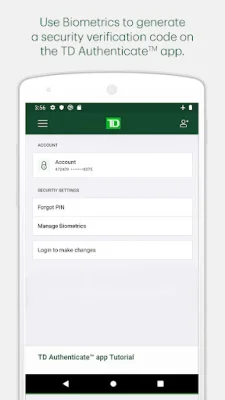
Latest Version
2.2.0
September 03, 2024
TD Bank Group
Finance
Android
0
Free
com.td.softtoken
Report a Problem
More About TD Authenticate
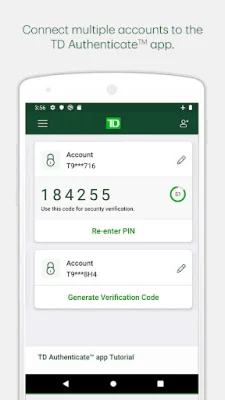
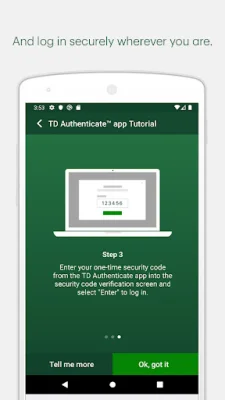
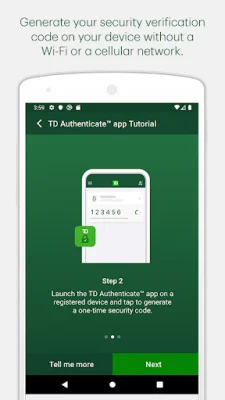
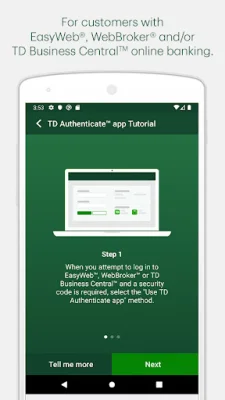
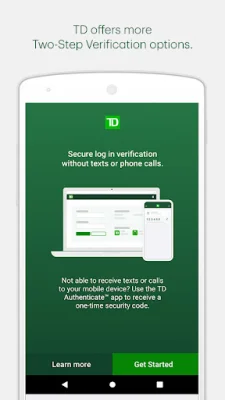
The TD Authenticate app is a convenient and secure way to access your EasyWeb, WebBroker, and TD Business Central online banking accounts. To get started, simply download the app and complete the registration process to connect your account and device. This will allow you to generate a security verification code, even when you are offline, without the need for texts or phone calls. This added layer of security ensures that it is really you accessing your accounts.
The TD Authenticate app is specifically designed for use with EasyWeb, WebBroker, and TD Business Central. For other TD apps or digital platforms, please use their Two-Step Verification services. The app is constantly being improved and updated, with plans to onboard new businesses and platforms within TD. This means that you can trust in the app's reliability and security.
It is important to note that in order to register for the TD Authenticate app on your device, you will need to provide a Text or Voice One Time Passcode. This is an additional security measure to ensure that only authorized users can access the app and your accounts.
By tapping "Install", you are giving your consent for the TD Authenticate app to be installed on your device, as well as any future updates that may be released. This app is only available for use by customers with an active EasyWeb, WebBroker, and/or TD Business Central online banking profile. If you wish to withdraw your consent at any time, you can simply remove your device from the list of registered devices under the Password & Security section of your online banking profile. This gives you full control over your security and access to the app.
In summary, the TD Authenticate app is a reliable and secure way to access your EasyWeb, WebBroker, and TD Business Central online banking accounts. With its offline capabilities and constant updates, you can trust in the app to keep your accounts safe and secure. So why wait? Download the app now and experience the convenience and peace of mind it provides.
Rate the App















Popular Apps









