

Tether Wifi Hotspot
16.1.8 by Klaus Apps (0 Reviews) November 05, 2025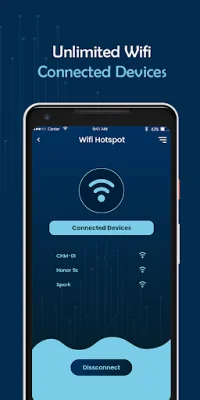
Latest Version
16.1.8
November 05, 2025
Klaus Apps
Tools
Android
0
Free
com.klaus.mobilehotspotrouter.portablewifihotspot
Report a Problem
More About Tether Wifi Hotspot
If you're in a place with no internet connection, but you need to finish some work or just want to browse the web for entertainment, Tether Wifi Hotspot is the perfect solution for you. This lightweight application allows you to turn your Android smartphone or tablet into a wifi hotspot, so you can share your mobile data with other devices.
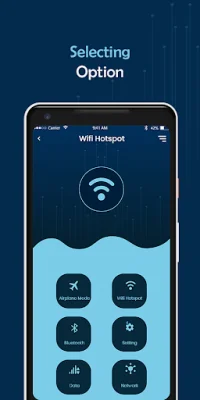
With Tether Wifi Hotspot, you can easily broadcast your mobile data as wifi, providing a high-speed, secure, and simple way to connect to the internet. This app is compatible with all Android devices and can even share GPGS/3G/4G/5G signals. It's a great option for those who need to stay connected on the go.
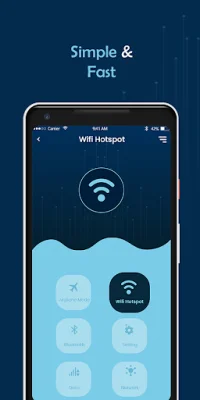
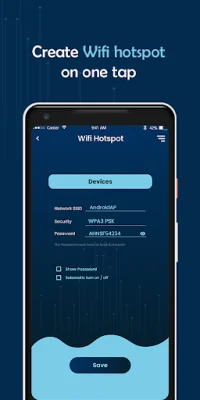
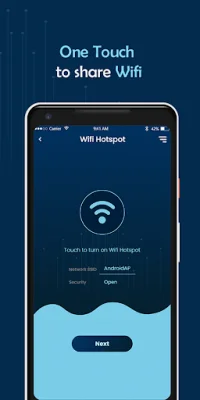
One of the best features of Tether Wifi Hotspot is its simplicity and speed. With just one click, you can create a fast portable wifi hotspot and start sharing your mobile data with others. The app also offers multiple ways to share the hotspot, making it easy for everyone to connect.
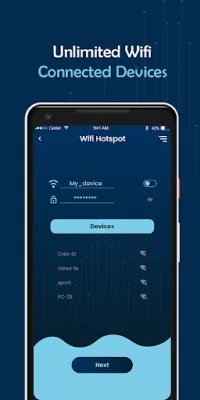
When using Tether Wifi Hotspot, you have the option to choose your own hotspot name and password, ensuring that your connection is secure. The app is compatible with popular mobile brands such as Samsung, HTC, Xiaomi, and Huawei, making it accessible to a wide range of users.
In addition to its hotspot capabilities, Tether Wifi Hotspot also includes a data usage manager to help you monitor your mobile data usage. You can also check your real-time internet speed in the status bar, giving you a better understanding of your connection. To use the app, simply open it on your phone, choose a name and password for your hotspot, and press the create button to enable it. With Tether Wifi Hotspot, you can stay connected wherever you go.
Rate the App















Popular Apps









