

Tetrd: USB Universal Tethering
1.2.0-1 by Robin Christianne Juson (0 Reviews) July 27, 2024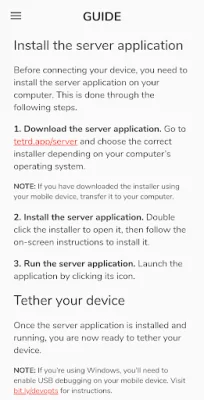
Latest Version
1.2.0-1
July 27, 2024
Robin Christianne Juson
Tools
Android
0
Free
com.robskie.tether
Report a Problem
More About Tetrd: USB Universal Tethering
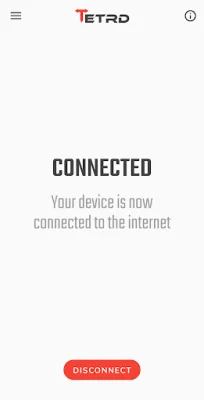
Tethering is a useful tool that allows you to share your device's internet connection with your PC. This can be helpful if your carrier or data plan does not allow you to use the built-in tethering feature on your device. With Tether Pro, you can enjoy unlimited tethering without any restrictions. And if you also need to share your computer's internet connection with your device, you can purchase Reverse Tether Pro. Or, for the best of both worlds, you can get Universal Tether Pro at a discounted price.
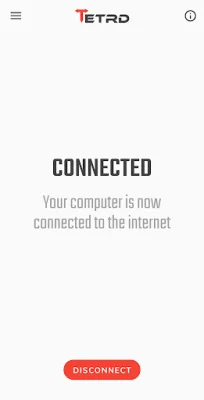
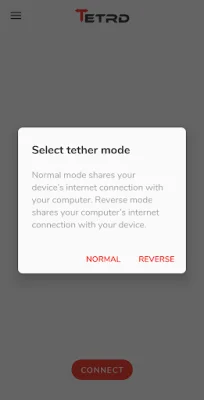
Reverse tethering is a feature that allows you to share your computer's internet connection with your device. This can be useful in situations where your device's wifi connection is unstable or when wired internet is the only option available. However, some apps may not have internet access when using reverse tethering, as they only check for wifi or cellular connectivity.
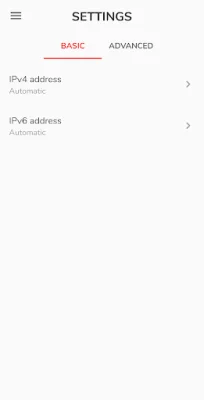
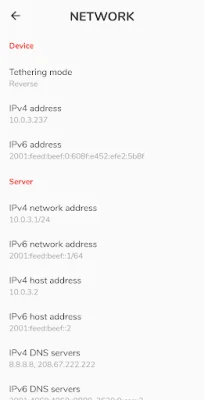
In addition to tethering and reverse tethering, Tether Pro also offers other features such as fast link speed, the ability to connect multiple devices simultaneously, and configurable network settings. And the best part is, you don't need to root your device or enable USB debugging (except on Windows) to use this app.
The app also has a VPN feature, which creates a local VPN to allow your device to send data to your computer via USB. This is necessary for reverse tethering and optional for regular tethering. You can also enable the "Local network" setting in the server application's network settings to access servers on your PC from your device. Rest assured, the app does not collect or share any data that goes through the VPN.
To use Tether Pro, you will need to download and install the server application on your computer. The app is available for Windows, MacOS, and Linux operating systems. With Tether Pro, you can enjoy unlimited tethering and reverse tethering without any hassle. Try it out for free for three days and see the difference it can make in your internet connectivity. For more information, please visit the app's privacy policy at https://tetrd.app/privacy.
Rate the App















Popular Apps









