Total Commander - file manager
3.50 by C. Ghisler (0 Reviews) July 24, 2024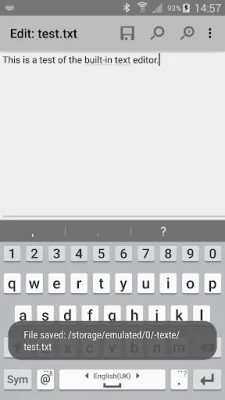
Latest Version
3.50
July 24, 2024
C. Ghisler
Tools
Android
0
Free
com.ghisler.android.TotalCommander
Report a Problem
More About Total Commander - file manager
This app is a file management tool that allows users to organize and manipulate files and folders on their Android devices. It does not contain any advertisements, but it does have a link to download additional plugins that may be considered ads by the Play Store.
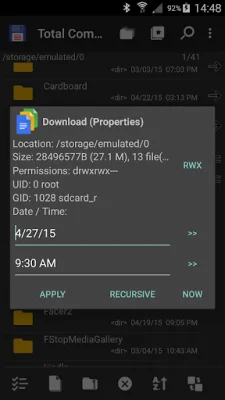
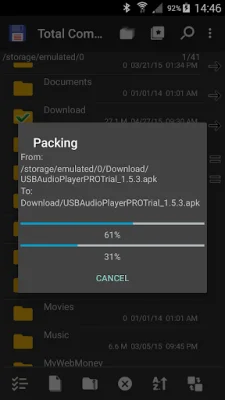
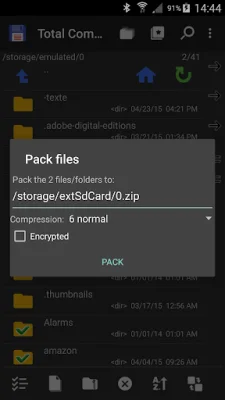
The main features of this app include the ability to copy, move, and delete entire subfolders, as well as drag and drop files using a long press on the file icon. Users can also rename files and create new directories within the app. Additionally, the app allows for zipping and unzipping files, as well as changing file permissions and using a built-in text editor.
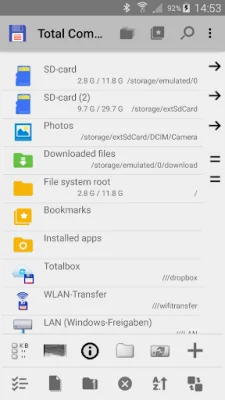
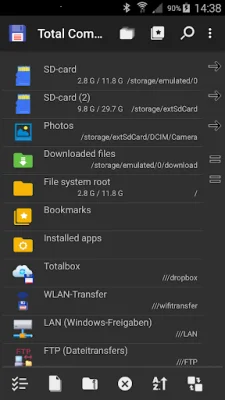
Other useful features include a search function, the ability to select and unselect groups of files, and the option to select files by tapping on their icons. Users can also view a list of installed applications and manually backup apps using a built-in plugin. The app also offers FTP and SFTP client capabilities, as well as support for WebDAV and LAN access through additional plugins.
For users with rooted devices, the app offers root support for its main functions. It also allows for sending files via Bluetooth and has a media player that can stream directly from LAN, WebDAV, and cloud plugins. The app also has a configurable button bar for easy navigation and a simple help function available in multiple languages.
One important note about the app's permissions is the new "SuperUser" permission. This is requested in order to improve the app's functionality on rooted devices. It allows the app to write to system folders, but users will be warned before any changes are made. More information about this permission can be found on the SuperUser website.
This app supports a wide range of languages and also offers public translation through a crowdsourcing platform. This allows for a more inclusive and user-friendly experience for non-English speakers. Overall, this app is a comprehensive and versatile file management tool for Android devices.
Rate the App














Popular Apps









