
Totalcmd Plugin for OneDrive
2.60 by C. Ghisler (0 Reviews) July 27, 2024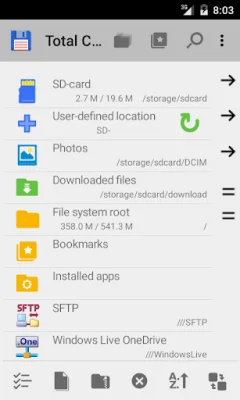
Latest Version
2.60
July 27, 2024
C. Ghisler
Tools
Android
0
Free
com.ghisler.tcplugins.WindowsLive
Report a Problem
More About Totalcmd Plugin for OneDrive
This application is a plugin that allows users to access their Windows Live OneDrive cloud drive accounts directly from Total Commander. It is important to note that this plugin does not work as a standalone application and must be used in conjunction with Total Commander. Therefore, it is not recommended to install this plugin if you do not use Total Commander as your file management tool.
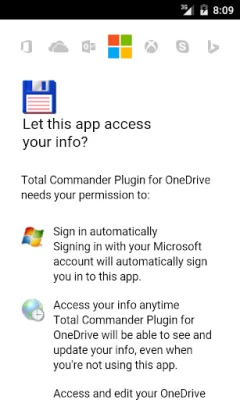
In order to use this plugin, users must have a Windows Live account and their device must be running on Android 2.2 or newer. This is because the plugin utilizes Microsoft libraries that are only compatible with newer versions of Android. Once the plugin is installed, users can easily access their OneDrive accounts and manage their files directly from Total Commander.
One of the great features of this plugin is that it supports multiple OneDrive accounts. This means that users can easily switch between different accounts and access all of their files in one place. This is especially useful for individuals who have both personal and work OneDrive accounts.
It is important to note that this plugin is not a standalone application and must be used in conjunction with Total Commander. This means that users must have Total Commander installed on their device in order to use this plugin. However, for those who do use Total Commander, this plugin provides a convenient and efficient way to access and manage their OneDrive accounts directly from their file management tool.
In summary, this plugin is a useful tool for individuals who use Total Commander as their file management tool and have Windows Live OneDrive accounts. It allows for easy access and management of multiple OneDrive accounts, making it a convenient and efficient way to organize and manage files stored in the cloud. However, it is important to note that this plugin does not work as a standalone application and must be used in conjunction with Total Commander.
Rate the App















Popular Apps









