

Touch - A Pc Controller
1.3.4 by 62Bytes (0 Reviews) October 19, 2024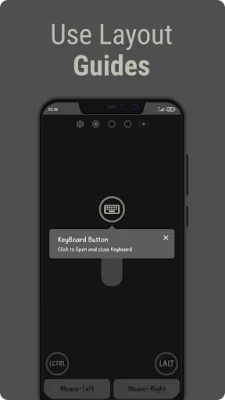
Latest Version
1.3.4
October 19, 2024
62Bytes
Tools
Android
0
Free
com.S2bytes.touch
Report a Problem
More About Touch - A Pc Controller
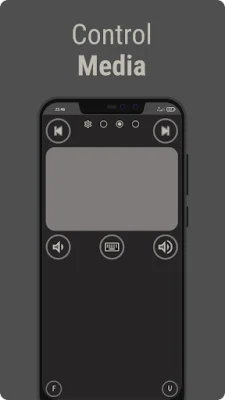
The application allows you to control your Windows PC using your mobile device, making it easier to perform tasks and play games.
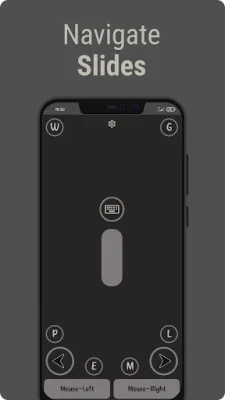
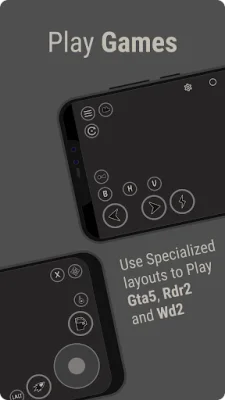
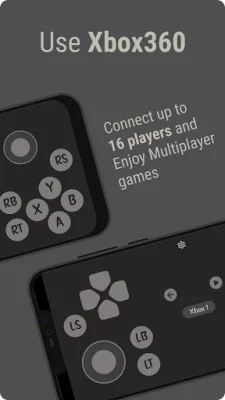
The app offers various features such as mouse control, specialized layouts for different activities, and game-specific layouts for popular titles.
You can also customize the sensitivity, behavior, and keymaps of the layouts to suit your preferences.
The app also includes a comprehensive guide to help you understand and make the most of its features.
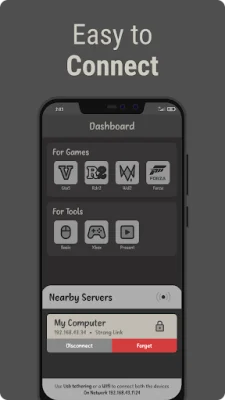
To connect, you need to download the server from the official website, launch it on your PC, and ensure that both devices are connected to the same Wi-Fi network.
Once connected, you can enjoy the convenience of controlling your PC with your mobile device. However, please note that during the initial launch, Windows may flag the server as a potential virus, but it is completely safe to use.
Rate the App














Popular Apps









