

TSB Business Banking
24.1.20 by The Savings Bank Mobile Banking (0 Reviews) September 08, 2024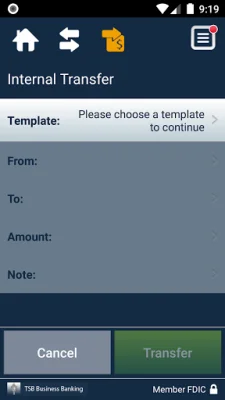

Latest Version
24.1.20
September 08, 2024
The Savings Bank Mobile Banking
Finance
Android
0
Free
com.thesavingsbank.biz
Report a Problem
More About TSB Business Banking
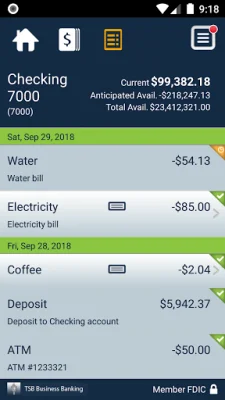
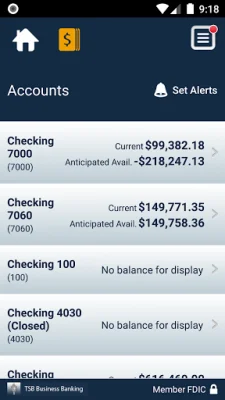
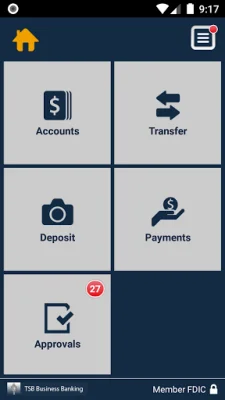
Manage Your Accounts is a convenient and efficient mobile application that allows business owners to easily keep track of their finances. With this app, users can check their business account balances, view recent transactions, and even transfer money between accounts. This makes it easy to stay on top of your business's financial health and make necessary adjustments as needed.
One of the standout features of Manage Your Accounts is the ability to deposit checks directly through the app. By simply snapping a picture of each check, users can quickly and securely deposit funds into their business account. This eliminates the need to physically go to a bank or ATM, saving valuable time and effort. Additionally, users can easily view their deposit history within the app, providing a comprehensive record of all transactions.
Another useful feature of Manage Your Accounts is the ability to review and approve transactions scheduled through TSB Business Banking. This includes fund transfers, ACH transfers, and wire transfers. By using this app, business owners can easily stay on top of their financial obligations and ensure that all transactions are completed in a timely manner. The app also provides alerts when approvals are pending, making it easy to stay on top of important financial tasks.
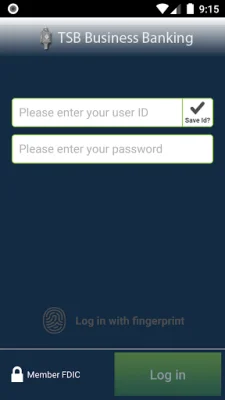
To get started with Manage Your Accounts, all you need to do is download the app and sign on with your TSB Business Online/Cash Management user credentials. This makes it easy for existing TSB customers to access their accounts and start using the app right away. For more information about TSB mobile services, users can visit the website or contact customer service for assistance. It's important to note that carrier data rates may apply when using the app, so users should be aware of their data plan before using the app extensively. Overall, Manage Your Accounts is a user-friendly and convenient tool for managing business finances on the go.
Rate the App















Popular Apps









